
- Print Business Cards in Sugar Land – Same Day Service
- Copying Services
- Document Printing, Finishing & Lamination in Sugar Land
- Flyers
- Print Banner in Sugar Land | Same-Day Banner Printing Near Me
- Graphic Design
- Photo Printing
- Postcard Printing
- Document Printing
- EDDM Full Service Postcards
- FotoZoomer Large Format Printing


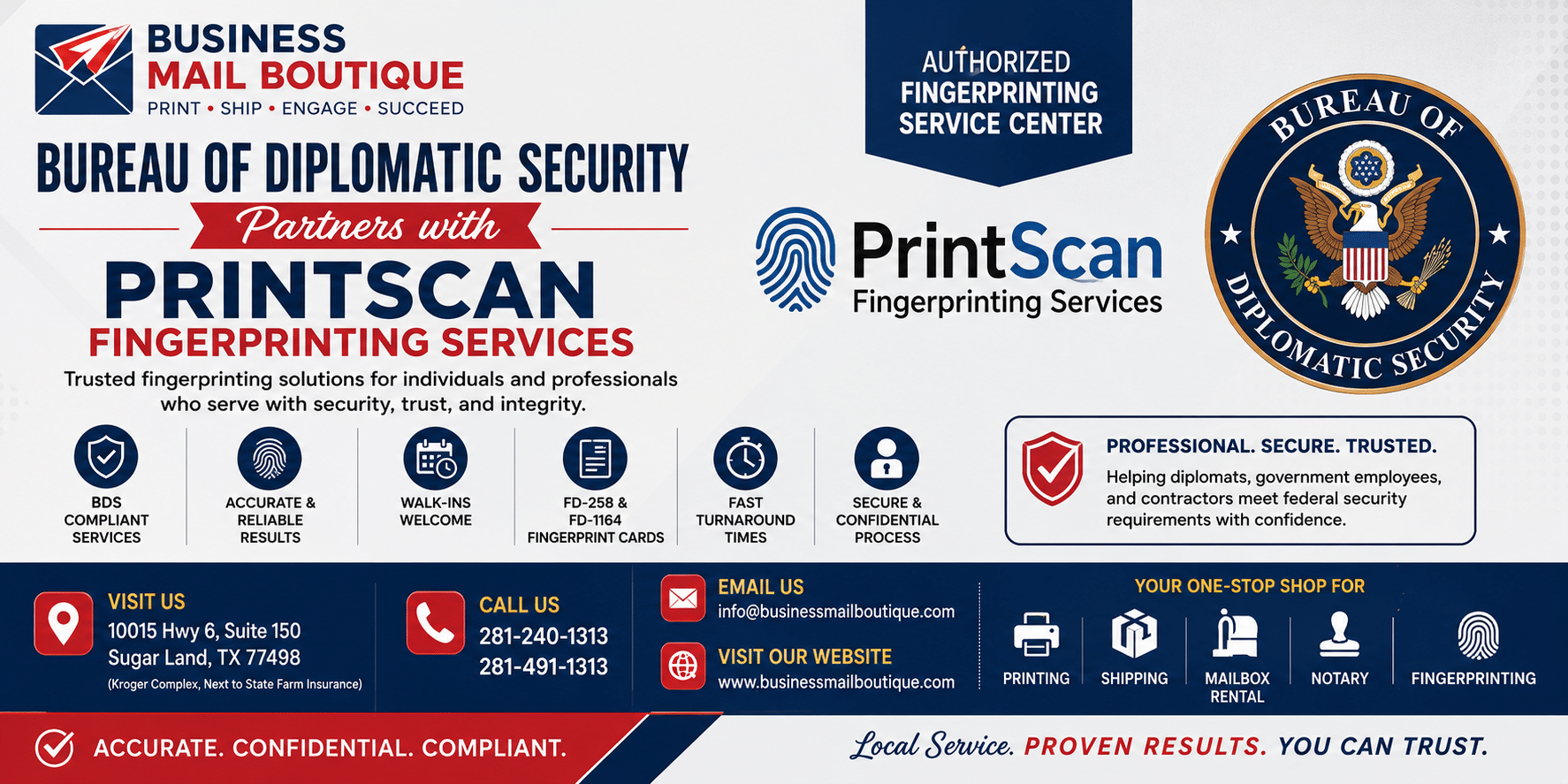
Bureau of Diplomatic Security Partner with PrintScan Fingerprinting Services.
Understand the process when the Bureau of Diplomatic Security partner with PrintScan Fingerprinting Services for secure fingerprinting.
You’ve got fingerprint instructions in front of you, a deadline hanging over the process, and just enough agency jargon to make a simple task feel risky. That usually happens when a passport matter, travel document issue, clearance-related request, or government-linked vetting step points you toward fingerprinting tied to the Bureau of Diplomatic Security.
The confusion usually isn’t about fingerprints themselves. It’s about who is in charge, whether PrintScan is an official part of the process, whether the FD-258 card is still valid, and how to avoid doing the whole thing twice. Public guidance often leaves gaps around whether a vendor relationship is mandatory for a specific clearance path or an accepted channel, which is why applicants spend too much time trying to confirm that their chosen service is legitimate.
A practical map is helpful. The Bureau of Diplomatic Security sits on the government side. PrintScan operates on the service side. The applicant sits in the middle and just needs compliant prints captured correctly the first time. If you want a broader walk-through on fingerprinting basics before dealing with the Diplomatic Security angle, this fingerprinting FAQ guide is a useful starting point.
Navigating Your Diplomatic Security Fingerprinting Requirements
If your paperwork mentions the Bureau of Diplomatic Security, don’t treat fingerprinting like a routine errand. In most cases, the request is tied to a higher-trust process where the agency needs identity verification done in a way that fits federal standards.
A primary challenge encountered is uncertainty. Public documentation doesn’t clearly spell out when a vendor relationship is mandatory for a specific clearance path and when it’s an accepted processing option, which has created confusion for applicants trying to verify that their fingerprinting choice is legitimate, as noted by the DS Foundation overview of DSS.
Start with the agency request
Read the fingerprint instruction sheet line by line. You’re looking for four things:
- Submission format. Does the request call for digital capture, card scan, or a physical FD-258 card?
- Receiving agency. Is the submission meant for an FBI background check, a travel document matter, or a department-specific review?
- Identity documents. Bring the exact ID type listed. If the instructions only say government-issued photo ID, don’t improvise with expired documents.
- Return method. Some requests need electronic routing. Others require a completed card.
Practical rule: The fingerprinting step is simple when the instructions are clear. It becomes expensive in time when applicants guess.
Focus on compliance, not convenience alone
People often choose the nearest option first and ask questions later. That works for many everyday services. It doesn’t work well for a Diplomatic Security-related requirement.
The better approach is to confirm that the location can handle the exact format requested and understands federal background-check workflows. If the agency asks for the wrong format, a fast appointment still leads to a delay.
A good bureau of diplomatic security partner with PrintScan fingerprinting services process comes down to one outcome: your fingerprints are captured in the right format, linked to the right request, and submitted through a legitimate channel without rework.
What Is the Bureau of Diplomatic Security
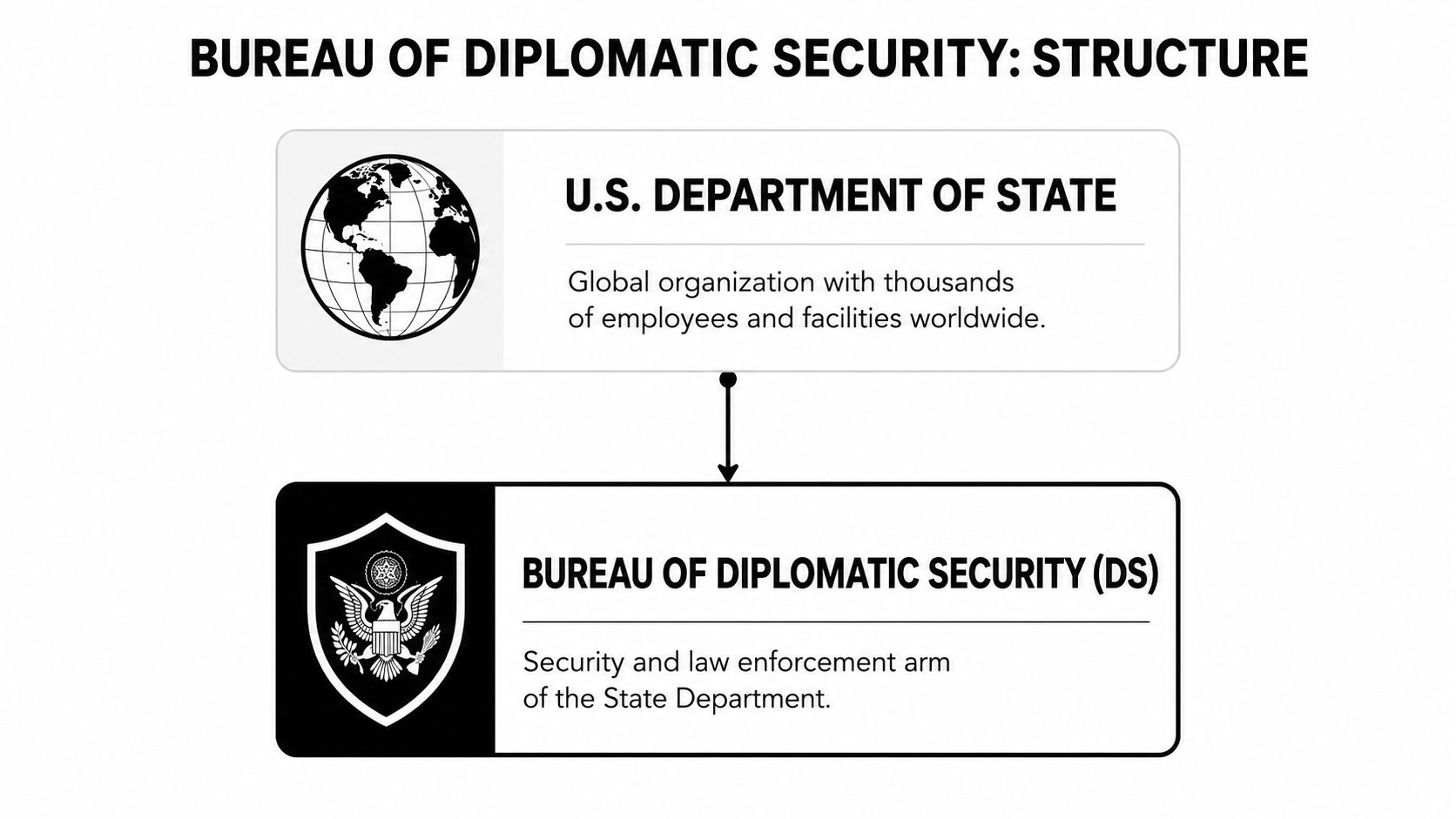
The Bureau of Diplomatic Security, often shortened to DS, is the security branch of the U.S. Department of State. Its law enforcement arm is the Diplomatic Security Service, or DSS. If the State Department is the global organization, DS is the part responsible for protecting people, facilities, information, and access.
That role explains why fingerprinting shows up so often in sensitive applications. DS can’t rely on names alone. Names change, records vary, and identity documents can be incomplete or inconsistent. Fingerprints give the vetting process a more reliable identity layer.
Why fingerprinting matters in DS workflows
DSS uses a mobile biometrics platform called DSIAS. According to Biometric Update’s report on the InCadence contract supporting State Department vetting, InCadence secured a $46.8 million, 10-year contract in 2021 to deliver mobile biometrics services for that system. The same report notes that DSIAS captures fingerprints as a core identity layer and that this capability reduced identity fraud detection latency by 65% in diplomatic visa processing between 2018 and 2022.
That matters because it shows how seriously DS treats biometrics. Fingerprints aren’t just a checkbox. They’re part of a larger identity assurance system built for fast, reliable matching.
What that means for applicants
From the applicant side, the takeaway is straightforward:
- Fingerprint quality matters. Smudged, partial, or poorly rolled prints can create avoidable delays.
- Format matters. A valid print in the wrong submission format can still fail the requirement.
- Chain of handling matters. The agency wants prints collected through accepted procedures, not improvised alternatives.
When applicants understand DS as a security and identity-verification function, the fingerprint requirement stops looking arbitrary.
Explaining the PrintScan Partnership
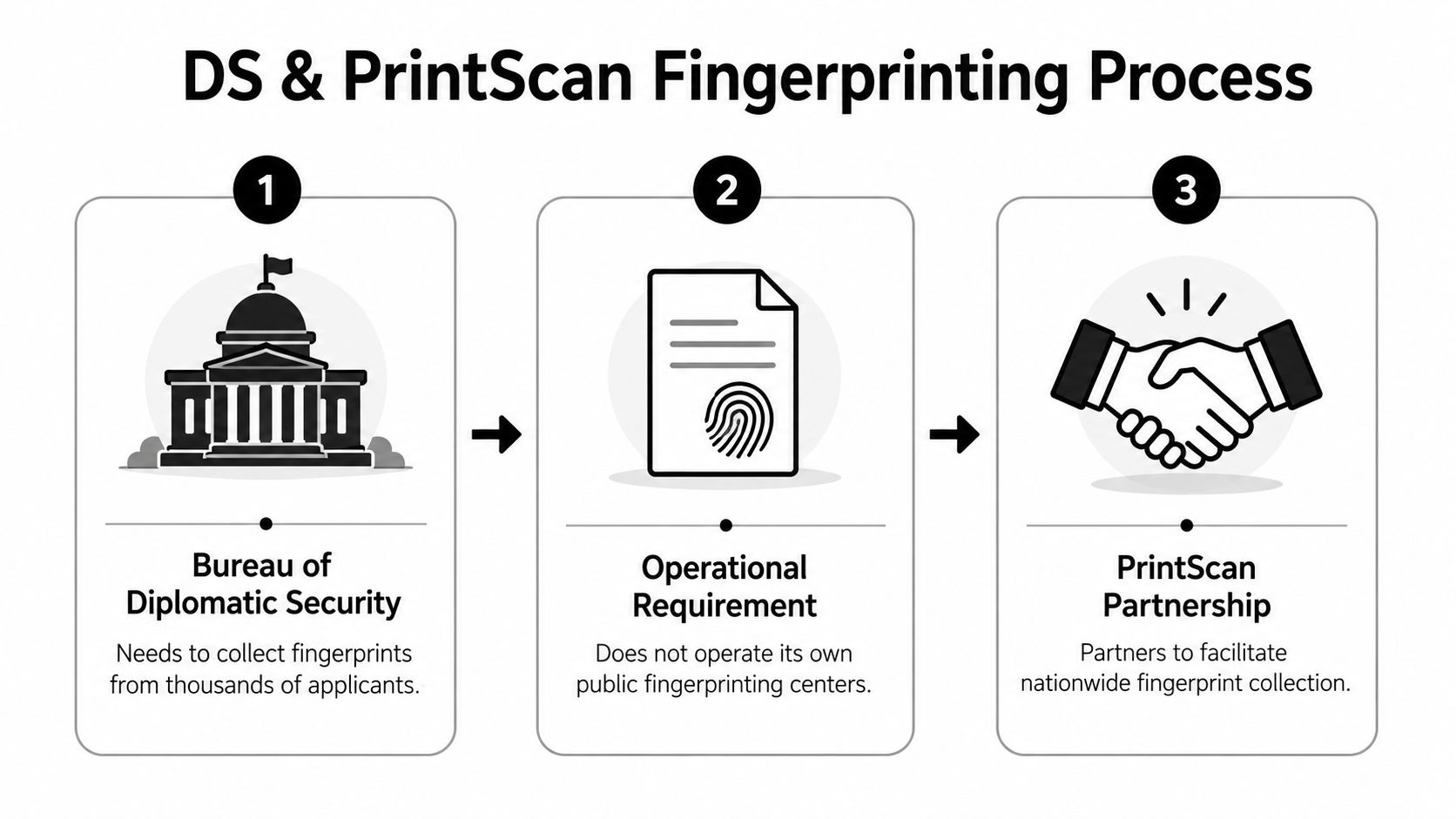
Most applicants assume the government must run every part of a security-related fingerprint process itself. In practice, that’s not how public-facing collection usually works. Agencies often rely on approved vendors and partner networks to capture prints while the government controls the standards, downstream checks, and decision-making.
That’s the practical value behind the bureau of diplomatic security partner with PrintScan fingerprinting services topic. The agency side defines the requirement. The vendor side helps people complete it in practice.
What PrintScan actually does
PrintScan facilitates the submission of FD-258 fingerprint cards for FBI background checks. The FD-258 is the standardized form mandated by the U.S. Department of Justice, and it’s a critical requirement for many passport and travel document processes overseen through Diplomatic Security, according to PrintScan’s Card Scan service page.
That doesn’t mean DS publicly states that all fingerprint submissions go through PrintScan, and it doesn’t mean every applicant must use one specific location. It means PrintScan is part of an accepted service framework that helps applicants complete the collection step correctly.
If you’ve ever tried to explain a complex compliance process to a client or the public, the challenge is similar to writing a clear media statement. A useful comparison is this complete guide to press releases, which shows how structure and clarity reduce confusion when the underlying process is technical.
For applicants, the practical point is simple. An authorized PrintScan fingerprinting service center is there to handle the collection step in a way that fits the requested workflow.
What applicants often get wrong
Here’s where confusion starts:
| Common assumption | Better interpretation |
|---|---|
| “If it’s private, it can’t be official enough.” | A private vendor can facilitate an official submission process when it follows the required standards. |
| “Any fingerprint shop can do it.” | The location needs to support the exact method your request requires. |
| “Digital always replaces cards.” | Some workflows still rely on the FD-258 format. |
The safest approach is to match the request, not the trend. That prevents most resubmissions.
Who Needs This Service and Why
The people dealing with this requirement usually aren’t handling casual paperwork. They’re trying to move a sensitive process forward, and the fingerprint step sits right in the middle of it.
Typical situations where this comes up
A contractor wins work connected to a State Department project. Before access is granted, identity vetting begins. The contractor doesn’t need a lecture on federal structure. They need to know which fingerprint format is accepted and where to get it done without slowing down onboarding.
A traveler or applicant gets instructions tied to a passport or travel document matter involving background checks. The language references government agencies, but the action item lands with a fingerprint provider. The risk isn’t only rejection. It’s delay caused by using the wrong service type.
A professional applying for a role involving secure access gets told to submit prints as part of a broader review. At that point, fingerprinting isn’t optional. It’s a gate. If the prints don’t meet requirements, the rest of the file may sit still.
The people most affected by fingerprinting delays are usually the ones with the least time to spare.
Why mistakes cause real delays
Errors tend to be small but costly:
- Wrong card or wrong format. The capture may be technically fine and still unusable.
- Poor print quality. Dry skin, heavy pressure, light pressure, and rushed rolling can all create problems.
- Incomplete personal data. Fingerprints alone don’t carry the submission. The form details must line up too.
- Unverified provider choice. If the service can’t support the requested workflow, the applicant starts over.
This is why experienced applicants double-check instructions before they book or walk in. The fastest path is usually the one with the fewest assumptions.
Getting Compliant Fingerprinting in Sugar Land
Once the paperwork is in hand, the process gets easier when you handle it in order. Most delays happen because applicants reverse the order. They show up first, then try to figure out whether they needed digital capture, a card scan, or a physical FD-258.
A practical step-by-step process
Start by confirming the exact requirement from the requesting agency. If the instruction sheet mentions the FD-258, treat that as a format requirement, not a suggestion. If it points to digital processing, ask whether the provider can transmit in the needed workflow.
Bring your identification exactly as requested. A valid government-issued photo ID is the usual baseline. If your paperwork asks for supporting details such as a case number or agency code, keep that with you rather than trying to retrieve it at the counter.
Then go to a local authorized provider that can support the format you need. For applicants who need the physical card route, this local FD-258 card service in Sugar Land gives a practical option close to home.
What makes a local appointment easier
A nearby service point helps in ways applicants often overlook.
- You can clarify format questions before capture. That’s much better than mailing the wrong card later.
- You can fix minor issues quickly. If a finger needs to be re-rolled, it’s easier to address on site.
- You keep the process moving. Local access matters when a contract file, travel matter, or clearance packet is waiting on this one item.
For many applicants, convenience isn’t about saving a few minutes of driving. It’s about reducing the chance of a rejected submission because the process felt too fragmented.
A good local workflow usually looks like this:
- Confirm the requesting agency’s instructions.
- Gather the exact ID and any file details.
- Use an authorized provider that supports the required format.
- Review the form before leaving.
- Keep your receipt or submission record.
That sequence works because each step protects the next one.
Frequently Asked Questions and Troubleshooting
Even when the process is handled carefully, a few questions come up again and again. Most of them involve format, quality, or timing.

What if my prints are rejected
A rejection usually doesn’t mean the whole case has failed. It often means the print quality wasn’t good enough for reliable matching. The fix is commonly a re-roll.
If you know your hands are dry, wash and moisturize beforehand without leaving heavy residue. If your fingertips are worn from manual work, tell the technician before capture so they can take extra care with pressure and positioning.
Do I need digital prints or an FD-258 card
Use the format the requesting agency asks for. Don’t assume digital always replaces paper. A common applicant concern is whether traditional paper-based card-scan services are still valid. For now, the FD-258 card scan remains a standard and accepted method for many DS and FBI background checks, according to PrintScan’s Card-Scan information.
Do I need an appointment
That depends on the location. Some providers require one. Others accept walk-ins. What matters more is whether the site supports your exact requirement and can check your paperwork before you leave.
A five-minute confirmation call about format and ID requirements can save days of back-and-forth later.
If your request involves the Bureau of Diplomatic Security and you want a convenient local place to handle fingerprinting, mailing, printing, and other document-related tasks in one stop, Business Mail Boutique LLC in Sugar Land is a practical resource. The store serves local residents, professionals, and small businesses that need reliable help with fingerprinting and everyday business services without making the process harder than it needs to be.

Related posts

Custom Memorial Glasses Engraved in Three Hours in Sugar Land
When a customer needed eight personalized glasses for a memorial, Business Mail Boutique completed the engraving or...

Custom Martini Glass Engraving in Sugar Land, TX
Custom Logo Engraving on Martini Glasses in Sugar Land, Texas.
Business Mail Boutique recently completed a beautiful custom engravin...

Custom Engraved Wine Glasses for a Golf Club Event in Sugar Land, TX
Custom Engraved Wine Glasses for a Golf Club Event in Sugar Land.
Custom wine glass engraving in Sugar Land, TX at Business Mail Bouti...