
- Print Business Cards in Sugar Land – Same Day Service
- Copying Services
- Document Printing, Finishing & Lamination in Sugar Land
- Flyers
- Print Banner in Sugar Land | Same-Day Banner Printing Near Me
- Graphic Design
- Photo Printing
- Postcard Printing
- Document Printing
- EDDM Full Service Postcards
- FotoZoomer Large Format Printing


Click here to create your business cards
You realize you need business cards today. Maybe you’ve got a networking lunch in Sugar Land, a vendor meeting this afternoon, or a last-minute event where showing up empty-handed will look sloppy.
That’s usually when people search for business card printing template free and assume the hard part is finding a decent design. It usually isn’t. The hard part is finding a template you can edit, exporting it in the right format, and getting it into a local print workflow without delays.
Most free-template guides stop at “download this design.” That’s where real-world printing problems begin. Files arrive in the wrong size, colors are built for screens instead of print, or the artwork reaches the edge with no bleed and gets kicked back for correction.
If you need cards in hand today, the path has to be simple. Pick the right template source, personalize only what matters, export a print-ready file, and send it for production without introducing errors. If you’re in a rush and want to skip guesswork, local same-day business cards in Sugar Land make that last step much easier.
Table of Contents
Need Business Cards Today? Your Free Template Guide
A lot of rush business card jobs start the same way. Someone had cards before, changed a phone number, switched logos, or ran out at the worst time. They find a free template online, spend time editing it, then hit a wall when the file won’t export properly or the print shop says it isn’t press-ready.
That’s why the best same-day approach isn’t “find the fanciest design.” It’s “find the template that won’t fight you.” If the platform lets you edit in your browser, keeps the sizing straightforward, and exports a clean PDF, you’re already ahead.
The standard business card size has stayed consistent at 3.5″ x 2″ for decades, which is why most templates are built around that format and why printers expect files that match it cleanly. Print providers also support a wide range of order sizes, from short runs to large quantities, and modern cloud-based tools have made it much easier for small businesses to build cards without hiring a designer, as shown by Avery Design and Print Online.
If you need cards today, speed comes from fewer edits, fewer file conversions, and fewer surprises at the print counter.
Here’s the practical route that works:
-
Pick a template source you can edit right now. Browser-based tools beat software-dependent files when time is tight.
-
Change only the key details. Name, title, phone, email, logo, and maybe a QR code.
-
Export for print, not for social media. The file settings matter more than commonly realized.
-
Send a clean file early. Same-day service moves fastest when the file doesn’t need repair.
Where to Find Free Business Card Templates That Work
Some free templates are genuinely helpful. Others look free until you realize they require software you don’t have, fonts you can’t install, or file types you can’t open.
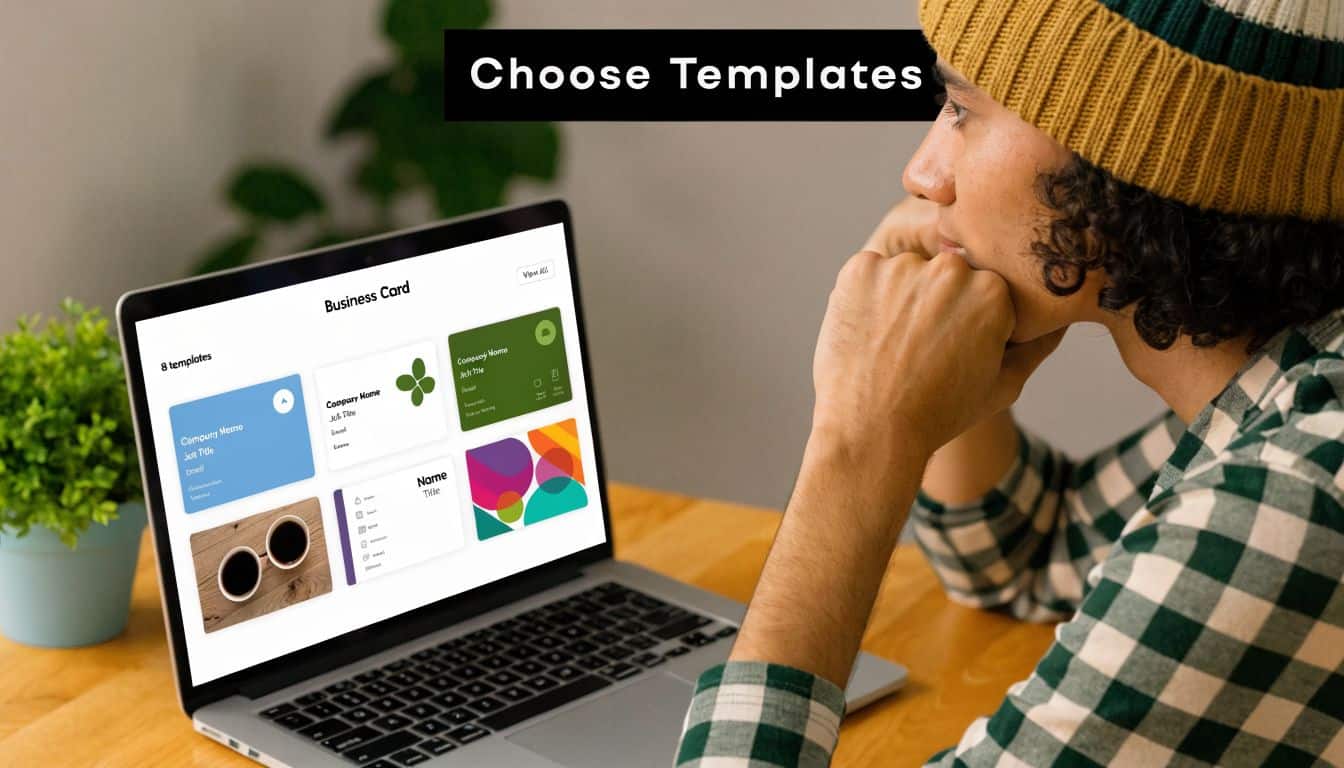
Choose browser-based tools first
If you’re not a designer, start with platforms that let you work directly in the browser. That removes the biggest source of friction right away. You don’t need to download Adobe apps, deal with missing fonts, or figure out what to do with a PSD or AI file.
The free template market is large. Avery alone offers over 1,000 free business card templates, including options with modern features like QR codes, according to Avery’s business card maker. That’s useful because it means you can usually find a clean layout without having to force-fit your information into a design that wasn’t made for your business.
For non-designers, these traits matter more than style trends:
-
Editable text fields so you can replace placeholder content quickly.
-
Easy logo upload without fighting transparent backgrounds or weird cropping.
-
PDF export so the file can move into print production cleanly.
-
Simple front-and-back controls if you need a second side.
-
QR code support if you want to direct people to a portfolio, menu, booking page, or contact card.
Avery and Canva-style workflows are usually easier for urgent jobs because they’re built around direct editing rather than raw design production files.
How to spot a template that will slow you down
The biggest mistake I see is downloading a beautiful template that only works inside professional design software. That’s where people lose time.
Many small business owners hit a real barrier here. Some template libraries focus on formats tied to design software, while many business owners need options that are effectively no design software required. That gap is one reason browser-based editors are often the smarter choice for a rush card order, as reflected in the compatibility issue highlighted by PrintMagic’s template format page.
Use this quick comparison before you commit:
| Template source type | Best for | What works | What often fails |
|---|---|---|---|
| Browser-based editor | Non-designers, urgent jobs | Fast edits, simple exports, easy logo placement | Limited advanced layout control |
| Downloadable PSD/AI/INDD template | Designers with software access | Precise control, layered files | Hard to edit without paid software |
| Basic Word template | Very simple cards | Familiar interface | Alignment and export quality can get messy |
Practical rule: If you can’t open the template and edit it within a few minutes, it’s the wrong file for a same-day job.
A free template only saves time if it keeps moving. If it creates a software problem, it’s not free anymore. It just moved the cost into your schedule.
Personalizing Your Card Without Design Skills
You don’t need to “design” a business card from scratch. You need to fill in business information clearly and keep the layout clean enough to print well.
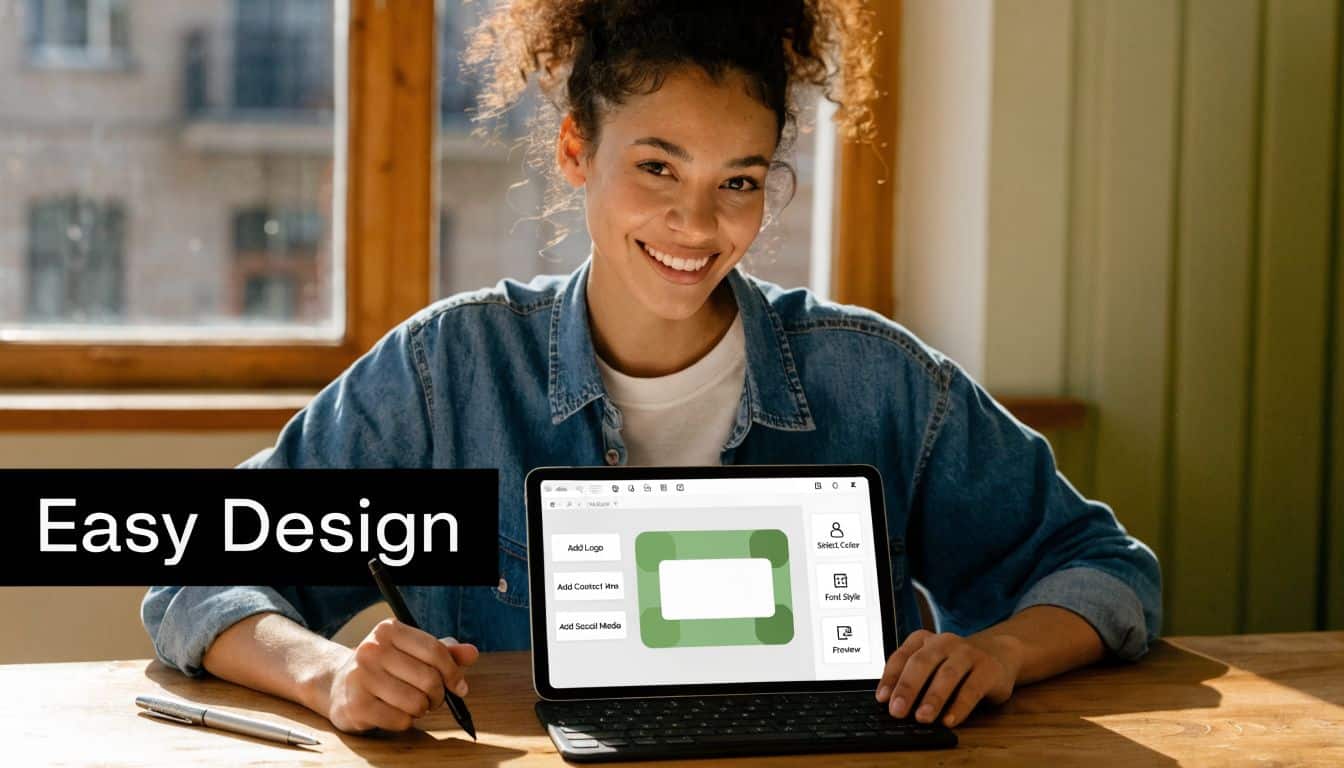
Start with the information, not the artwork
The easiest way to ruin a good template is to over-edit it. A card becomes cluttered fast when you start moving every line, adding icons everywhere, or trying to squeeze in too much copy.
Start with the essentials:
-
Your name and business name
-
Your job title or service category
-
Best phone number
-
Email address
-
Website or booking page
-
Physical address only if customers need it
-
Logo if you have one
Type everything exactly as you want it to appear, then proof it like you’re a customer seeing it for the first time. Wrong digits, outdated email addresses, and inconsistent branding are far more damaging than a plain layout.
If you already know you need help cleaning up a logo or adjusting spacing, professional graphic design support can save a rushed file from looking homemade.
Keep the layout simple enough to print cleanly
A professional-looking card usually comes from restraint. Use one or two fonts. Leave white space. Make the most important contact detail easy to find. If your logo is detailed, don’t shrink it until it becomes a blur.
Here’s what tends to work well in free-template editors:
-
Put your name in the strongest visual position.
-
Keep the job title smaller.
-
Group contact details together instead of scattering them.
-
If you use a QR code, give it breathing room so it doesn’t compete with everything else.
A lot of business owners feel blocked by design software because it’s expensive and difficult to learn. Choosing a template source that avoids software complexity is often the smartest move for a DIY card project, as noted earlier from the template compatibility issue.
Good business cards are usually simple. Clear type, accurate contact details, and a logo that isn’t fighting for space will beat a crowded layout almost every time.
One more practical note. Check both sides before you export. It’s common to finish the front and forget the back still has sample text, placeholder icons, or a default web address.
How to Export a File We Can Print Same-Day
Most online template projects either stay on schedule or fall apart at this point. A card can look perfect on your screen and still fail in production because the export settings weren’t built for print.
A same-day file has to be ready for the press, not just good enough to preview on a laptop.
The file settings that matter
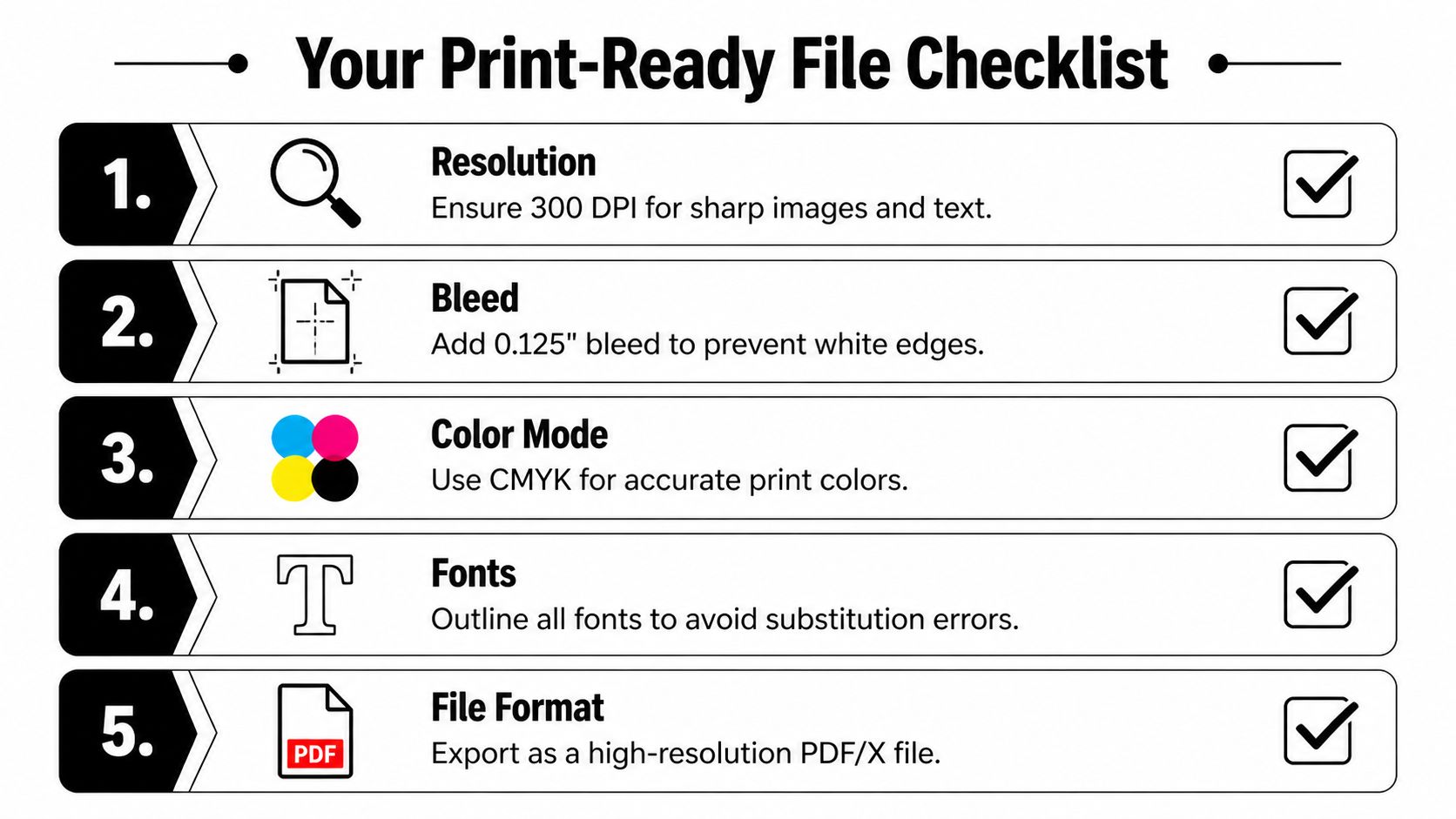
The standard card size is 3.5″ x 2″, but your exported artwork usually needs extra space around the edges for trimming. For same-day turnaround, print-ready files need technical specs such as a 0.125-inch bleed margin and CMYK color mode, and many free-template guides skip that practical handoff to local print requirements, which can lead to rejection or delay, according to PrintPlace’s business card layout guidance.
That gives you a short list of things to check:
-
Correct final size
Your design should be built for the standard card dimensions, with bleed included if the background or artwork runs to the edge. -
CMYK color mode
Screens show color in RGB. Printing uses CMYK. If you ignore that difference, colors can shift when they hit paper. -
High-resolution export
Logos, photos, and fine details need enough resolution to stay sharp in print. A file made for web use often looks soft on paper. -
PDF output
A high-quality PDF is usually the safest handoff format because it preserves layout more reliably than loose image files.
If you want a quick visual reminder, this checklist covers the core setup steps before submission.
A quick check before you send it
Before you upload or email your file, zoom in and inspect the small details. Tiny problems become obvious after printing.
Use this last review:
| Check | What to look for |
|---|---|
| Edges | Background extends fully, no accidental white border |
| Text | Small type is readable, spelling is correct |
| Logo | Transparent background looks clean, not boxed in white |
| Colors | No surprise neon or oversaturated screen colors |
| Format | PDF preferred for stable printing |
Shop-floor advice: If your card has color all the way to the edge, bleed isn’t optional. Without it, trimming can leave thin white slivers that make the job look off even if the design itself was good.
If your file includes matching labels, packaging stickers, or promo handouts for the same event, it helps to prepare them with the same print-first mindset. The same cleanup approach applies to custom sticker printing and other fast-turnaround marketing pieces.
Bringing Your Design to Our Sugar Land Print Shop
Once your file is ready, the final step should be boring. That’s a good thing. Same-day orders go smoothly when the handoff is clear and the instructions are complete.
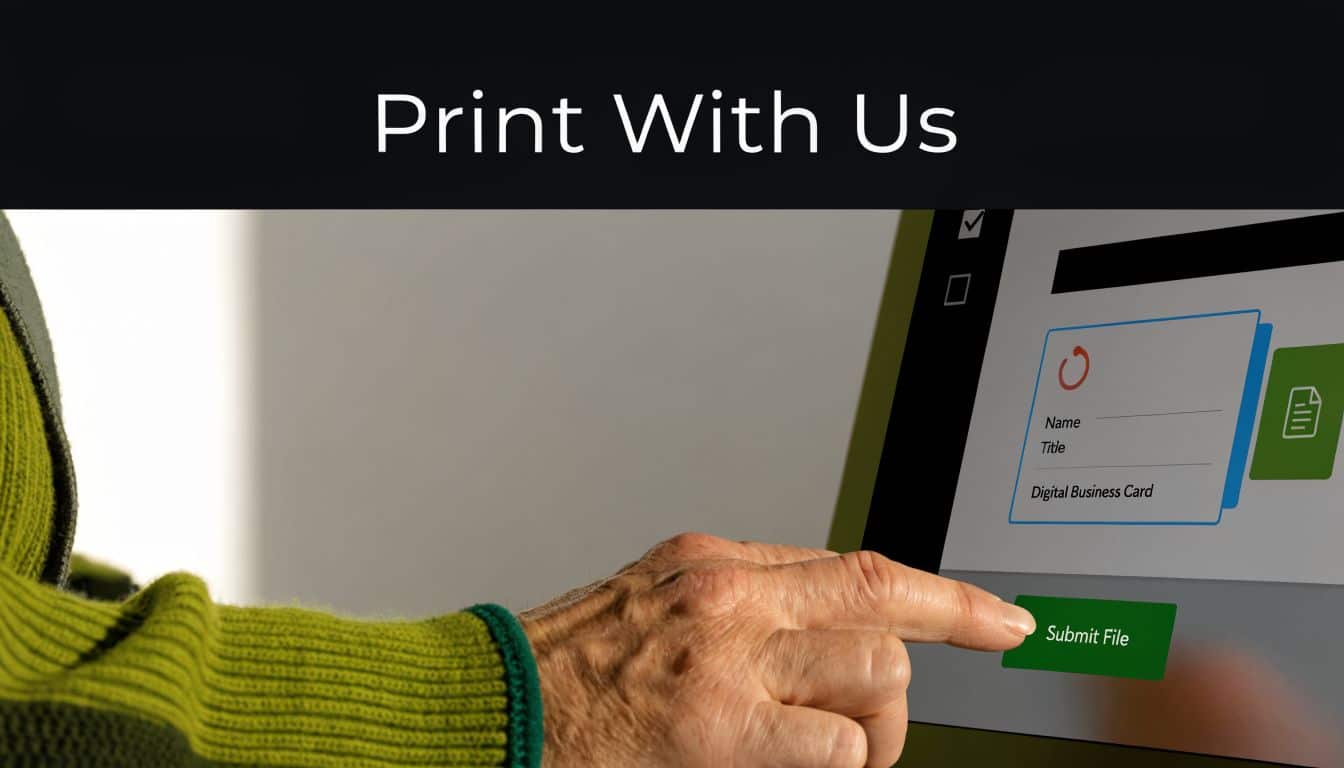
What to send with your file
Don’t just send the attachment with “please print.” Include the essential information a print counter needs to move the order forward.
A clean submission should include:
-
Your full name so the order is easy to identify
-
Best phone number in case there’s a file question
-
Requested quantity so production can be scheduled correctly
-
Single-sided or double-sided if applicable
-
Paper preference or finish if you have one in mind
-
Pickup deadline so the team knows whether it’s a same-day rush
If your file name is something generic like final-final-2.pdf, rename it before sending. Use something obvious, such as YourBusinessName_BusinessCard_FrontBack.pdf.
What helps same-day pickup go smoothly
The biggest delays usually come from preventable issues. A file is sent without bleed. The back side is missing. The customer meant matte but didn’t say. The phone number in the design doesn’t match the phone number in the order message.
Use this simple same-day mindset:
-
Send the final version only. Multiple versions create confusion.
-
Mention urgency clearly. “Needed today by late afternoon” is better than “ASAP.”
-
Stay reachable. If a printer has one quick question and can’t reach you, the clock keeps moving.
-
Don’t keep editing after submission. Last-minute replacements usually slow everything down.
A same-day order works best when the file arrives ready to print and the instructions arrive ready to use.
If you’ve searched for business card printing template free, the free part is easy to find. The useful part is getting from that template to a card that prints cleanly, trims correctly, and is ready for pickup without a round of corrections.
If you need fast, local help turning a free template into finished cards, Business Mail Boutique LLC can help with same-day business card printing in Sugar Land, along with other quick-turn print services. Bring a print-ready file, or ask for help fixing the setup before production so your cards come out clean, professional, and ready when you need them.

Related posts
How Does a Virtual Address Work? A Clear Guide
How Does a Virtual Address Work
You're probably dealing with one of these problems right now. Your business is new, so your home add...

Custom Engraved Coffee Mugs and Etched Mugs: A Guide
Custom Engraved Coffee Mugs and Etched Mugs: A Guide
You need a mug fast. Maybe it's a retirement gift for someone who's been drinki...
Custom Hats with Logo: A Small Business Guide for 2026
You're probably ordering custom hats with logo for one of three reasons. An event is coming up fast, your team needs to look more put-t...