
- Print Business Cards in Sugar Land – Same Day Service
- Copying Services
- Document Printing, Finishing & Lamination in Sugar Land
- Flyers
- Print Banner in Sugar Land | Same-Day Banner Printing Near Me
- Graphic Design
- Photo Printing
- Postcard Printing
- Document Printing
- EDDM Full Service Postcards
- FotoZoomer Large Format Printing


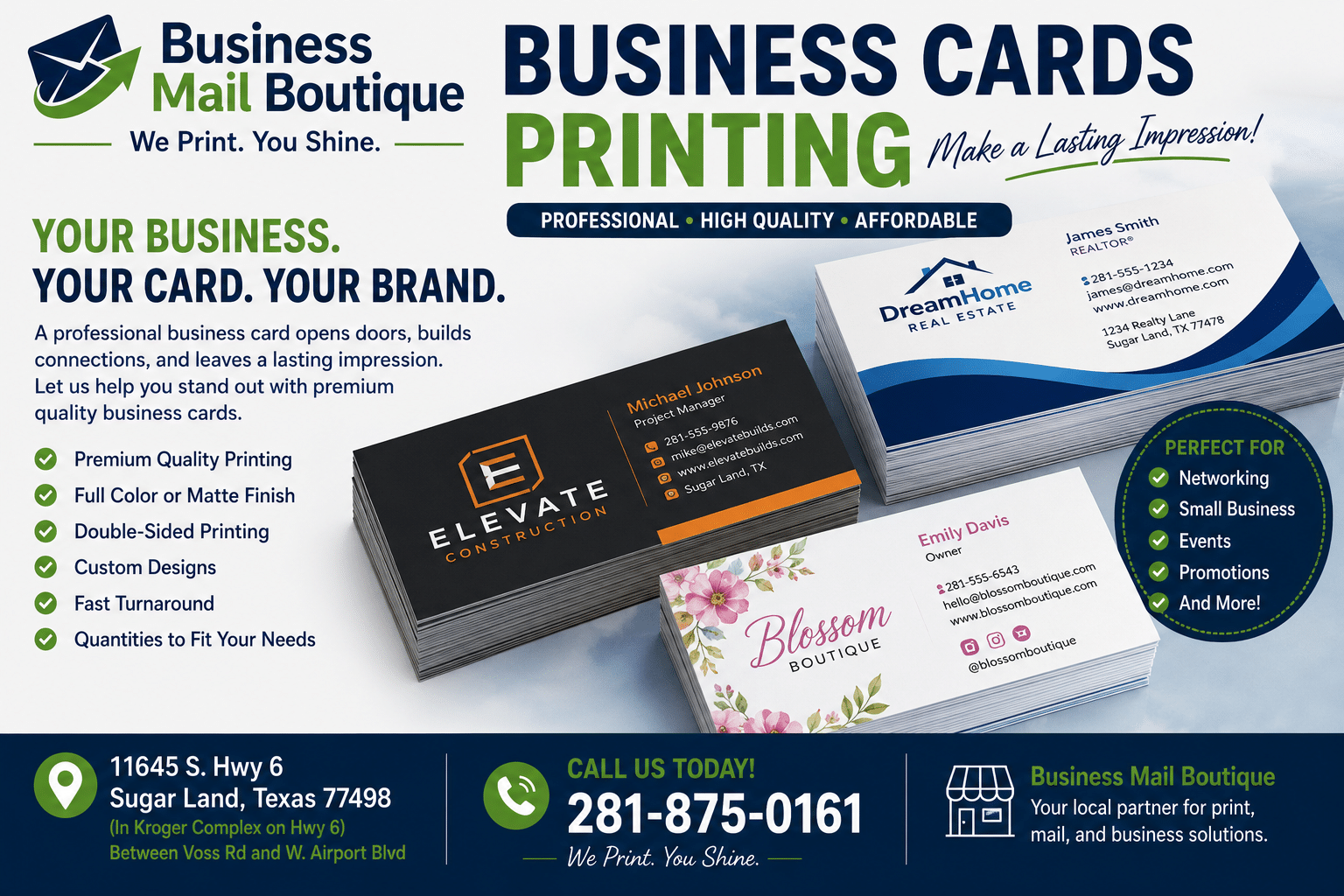
Business Card Printing: A Practical Guide
You find out about the event late. A client mentions a chamber mixer tonight, or a vendor asks if you can stop by a breakfast meeting tomorrow morning. Then you check your desk drawer and realize the same thing a lot of business owners realize at the worst time. You’ve either got no business cards left, or the ones you do have look dated, flimsy, or rushed.
That’s usually when business card printing gets confusing fast. Online templates all start to look the same, paper options sound more technical than they need to, and “fast turnaround” can mean very different things depending on the printer and the file you hand over.
A good card still does real work. About 72% of people judge a person or company based on a business card’s quality and design, 39% say they wouldn’t do business with someone using a poor-quality card, and distributing 2,000 cards can produce a 2.5% sales increase, according to UPrinting’s business card statistics roundup. If you need cards quickly, you don’t need fluff. You need the right stock, a finish that fits your brand, a file that won’t fail at print time, and a local process that won’t waste your day.
Table of Contents
- Why Your Business Card Still Matters
- Choosing the Right Paper Stock
- Selecting a Finish for Impact and Feel
- Exploring Specialty and Accessible Card Options
- Preparing Your Design File for Flawless Printing
- Navigating Local Printing Logistics and Costs
- Frequently Asked Questions About Business Cards
Why Your Business Card Still Matters
A business card matters most when time is short and first impressions count. That’s why the last-minute order is so common. A realtor needs cards before an open house. A contractor hires a new estimator and needs fresh contact info today. A startup founder realizes the old cards still show the wrong title.
In those moments, the card isn’t a formality. It’s proof that you’re prepared.
People still keep cards because they’re immediate. No dead phone battery, no misspelled email typed into a contact form, no awkward pause while someone searches for your profile. You hand over the card, the other person sees your name, role, brand, and contact details in one glance, and the interaction moves forward.
Practical rule: If you’re handing someone a physical card, it needs to feel intentional. A rushed design on weak stock looks rushed in every other part of the business too.
That’s why quality choices matter even when speed matters more. The wrong decision usually isn’t “I didn’t get foil.” It’s simpler than that. Text too small to read. Colors too dark. Paper too thin. A finish that fights the design instead of helping it.
A strong business card does four jobs well:
- Introduces you clearly so the recipient doesn’t have to hunt for your phone number or email.
- Signals your level of professionalism through stock, print sharpness, and layout.
- Matches your industry so the card feels appropriate instead of gimmicky.
- Holds up during real use in wallets, pockets, purses, trade show trays, and car consoles.
If you’re ordering under pressure, keep the goal simple. Make it easy to read, easy to keep, and worth handing out.
Choosing the Right Paper Stock
Paper stock is the first decision most customers underestimate. They focus on color and logo placement, then hold the finished card and realize the feel doesn’t match the business. That reaction usually comes down to thickness and rigidity.

What paper weight actually means
Think of paper stock like clothing fabric. A thin t-shirt and a structured blazer can both be well made, but they don’t communicate the same thing when you put them on. Business cards work the same way in hand.
Printers usually talk about stock in GSM and points. GSM refers to paper weight by grams per square meter. Points refer to thickness. In commercial business card printing, cardstock commonly falls in the 350 to 400 GSM range, with premium options reaching 380 GSM at 18pt thickness, as noted by Print247’s guide to standard business card specifications.
That matters because thicker stock usually feels more stable, resists bending better, and gives the card a more deliberate presence when someone picks it up.
Here’s the practical way to think about common choices:
| Stock feel | Best fit | What to expect |
|---|---|---|
| Lighter and more flexible | High-volume handouts, temporary promotions, budget-sensitive runs | Easy to print fast, but less memorable in hand |
| Standard and balanced | Most local service businesses, consultants, trades, office professionals | Good mix of cost, durability, and professional feel |
| Heavier and more rigid | Premium services, design-led brands, luxury-facing businesses | Stronger first impression, but not always ideal for rush jobs or tight budgets |
A card that bends too easily often gets treated like a flyer. A card with some body gets kept longer.
How to choose by brand and use
The right stock depends less on taste and more on how you’ll use the card.
If you’re a mortgage broker, attorney, CPA, insurance agent, or medical office, standard-to-premium stock usually makes sense. Those businesses benefit from a clean, serious presentation. You want the card to feel reliable, not experimental.
If you’re a photographer, interior designer, salon owner, or boutique brand, heavier stock can help. In creative fields, touch matters. The card becomes part of the brand experience, not just a contact slip.
If you’re ordering for field teams, event staff, or short-term campaigns, lighter stock can be perfectly reasonable. It keeps cost and turnaround manageable, especially when the information may change soon.
A few paper stock decisions work well in practice:
- Choose standard stock when you need a dependable everyday card that won’t feel cheap.
- Move up to thicker stock when your sales process depends on trust, perception, or premium positioning.
- Stay practical for rush orders if timing matters more than elaborate construction.
- Ask to handle samples before approving the order. Paper descriptions on a screen don’t tell you much.
Customers often assume thicker is always better. It isn’t. Ultra-thick stock can feel impressive, but if the design is weak, thickness won’t save it. And if you need same-day business card printing, stock availability can narrow your options.
The best result is usually a stock that matches the business without trying too hard. If the card feels appropriate the moment someone touches it, you picked well.
Selecting a Finish for Impact and Feel
Paper stock gives the card structure. Finish gives it personality. Two cards printed on similar stock can feel completely different once you choose the surface.

How matte gloss and uncoated behave
Matte is the safest recommendation for most professionals. It cuts glare, feels modern, and keeps text easy to read under office lighting, restaurant lighting, and outdoor event lighting. It also tends to look more restrained, which works well for law, finance, consulting, real estate, and health services.
Gloss pushes color harder. If your card uses bold photography, saturated backgrounds, or bright brand colors, gloss can help those elements pop. The trade-off is practical. Gloss shows fingerprints more easily, and glare can make smaller text harder to read at an angle.
Uncoated is the most natural-feeling option. It has a softer, paper-forward texture and is often the easiest surface to write on. If your team writes appointment notes, direct numbers, or follow-up reminders on cards, uncoated stock is often more useful than either matte or gloss.
A side-by-side view helps:
- Matte works for clean branding, darker palettes, and text-heavy layouts.
- Gloss works for vivid visuals, image-based branding, and a shinier look.
- Uncoated works for organic brands, understated designs, and cards people need to write on.
When tactile upgrades make sense
Some businesses want more than a standard surface. That’s where laminated or textured finishing options come in. Soft-touch laminate, for example, creates a velvety feel that can make a simple design feel much more refined.
Specialty finishing can add value when it supports the brand. It doesn’t help when it’s added just to make the card seem expensive.
If your logo, typography, and spacing already look sharp, a tactile finish can elevate the card. If the layout is crowded, no finish will fix that.
Texture-based enhancements also need a practical check. Raised effects, embossed patterns, and cutouts can look memorable, but they change how the card slides into wallets, holders, and stacked display trays. If you’re considering those touches, it helps to think about the card’s job after the handoff, not just during it.
For businesses that need other polished print details on presentation pieces, folders, or bound materials, it’s worth reviewing available document finishing services as part of the broader brand package. The finish on your card should feel consistent with the finish on everything else you hand out.
My general advice is simple. If you’re unsure, choose matte. It’s the least likely to fight your design and the most likely to age well.
Exploring Specialty and Accessible Card Options
Standard cards work for most businesses. Some brands, though, need something more distinctive or more inclusive than the default rectangle on coated stock.
Standout shapes and real world usability
Specialty cards usually start with shape or material. Square cards, rounded corners, textured linen, kraft-style recycled stocks, plastic cards, and metallic looks all change the way the card is perceived.
The problem is that many people choose these options only for novelty. They don’t think about how the card will live in actual use.
Square or circular cards can stand out at an event table, but they may not fit standard holders as neatly. That matters if your customers carry cards in a wallet slot, drop them into a desktop organizer, or file them in a stack from a trade show. A shape that feels fresh in the shop can become inconvenient after distribution.
A practical way to judge specialty formats:
| Option | Advantage | Trade-off |
|---|---|---|
| Square cards | Visually distinctive and design-forward | Less compatible with standard storage |
| Rounded corners | Softer look and better edge wear | Slightly less formal for conservative industries |
| Textured stocks | Tactile and memorable | Fine details can lose clarity |
| Plastic or metal-style looks | Durable and unconventional | Higher production complexity and less flexibility for rush jobs |
For brands that want a more durable or unconventional presentation, metal business card options are one route to consider. They suit certain luxury, creative, and high-ticket brands, but they aren’t an automatic upgrade for every business.
The best specialty card is the one people keep, not the one they admire for five seconds and then struggle to store.
Accessible design that serves more people
Accessibility gets skipped in most business card conversations, and that’s a miss.
A card can be visually attractive and still be hard to use. Tiny light-gray text, low contrast, script fonts, and overloaded layouts create problems for a lot of recipients. Better accessibility often starts with plain decisions: larger type, stronger contrast, simpler hierarchy, and more whitespace.
There’s also a direct accessibility option many businesses never hear about. Standard business cards can support braille overlays with up to 4 lines and 14 characters per line, according to Get Braille’s overview of braille and large-print business cards. That capability is rarely highlighted in mainstream business card printing discussions, but it’s valuable for healthcare providers, attorneys, nonprofits, community organizations, and any business that serves a broad public.
Large-print versions can also help clients and referral partners who don’t want to struggle with small contact details. In practice, accessible design often improves usability for everyone, not just for one group.
Good specialty choices do one of two things well. They either strengthen your brand without hurting usability, or they make the card easier for more people to use. The strongest cards do both.
Preparing Your Design File for Flawless Printing
Most same-day printing delays come from the file, not the press. The artwork looks fine on a laptop, but once it hits production, the edges crop badly, the text sits too close to the cut line, or the image turns soft.

The three dimensions that matter
Use a picture-frame mindset. The visible card is the part people see after trimming. Outside that is extra artwork that gets cut away. Inside that is the protected area where your important text has to stay.
For a standard card, the finished size is 3.5 x 2 inches, the required bleed is 0.125 inch on each side, the full file becomes 3.75 x 2.25 inches, and the safe zone is 3.25 x 1.75 inches, as detailed in ChilliPrinting’s business card size guide.
That means:
- Bleed is the extra image or background area that extends past the trim.
- Trim is the final cut line.
- Safe zone is where names, numbers, logos, and other critical content should stay.
If you put a phone number too close to the trim, small cutting variation can make the card look off-center or clip the text. If you forget bleed on a full-background design, you risk thin white edges after cutting.
Here’s a quick visual explainer that matches what printers check before approving artwork.
A simple print ready checklist
Most customers don’t need to become designers. They just need to avoid common file mistakes.
Use this checklist before sending anything to print:
- Set the file to the full print size so the bleed is included from the start.
- Keep all essential text inside the safe zone so trimming doesn’t cut into names or contact details.
- Use high-resolution artwork because low-quality logos and photos print soft fast.
- Build in CMYK when possible because screen color and printed color don’t behave the same way.
- Review spelling carefully since rush jobs leave less room for back-and-forth correction.
If you’re building a card from scratch or cleaning up a file that came from Canva, Word, or an old screenshot, working with a local graphic design service can save time. That’s especially true when the order is urgent and there’s no room for trial and error.
One more practical note. Thin lines, tiny reverse text, and cramped contact details are the first things that break in print. If you want same-day business card printing to go smoothly, clear design beats clever design every time.
Navigating Local Printing Logistics and Costs
Same-day business card printing is mostly a logistics question. Can the printer use a production method that doesn’t require long setup, and is your file ready enough to run without repairs?
What same day printing can and cannot do
Fast local turnaround usually depends on digital printing. It’s the practical choice for small runs, updated contact info, event deadlines, and walk-in orders. Offset printing is excellent for larger runs and certain premium output needs, but it’s not the method people use when they need cards today.
That’s why a local shop has an advantage. You can see stock samples in person, approve a proof more quickly, and fix issues before they become expensive. If you walk in with a usable file, a local provider can often tell you immediately whether the order is realistic for same-day pickup.
Business Mail Boutique LLC in Sugar Land is one local option that offers same-day business card printing as part of its print services. For customers working on a deadline, that kind of in-person workflow matters because questions get answered at the counter instead of through long email chains.
Fast printing works best when the design is straightforward, the file is clean, and the expectations match the production window.
What usually changes the price
Business card pricing moves most when these factors change:
- Quantity affects unit cost and whether digital or offset makes more sense.
- Paper stock changes material cost and sometimes availability for rush work.
- Finish and specialty features add production steps.
- Turnaround speed can limit your options to what’s in stock and immediately runnable.
If you’re budgeting, keep the order simple first. Start with a solid standard card on dependable stock. Upgrade the finish or material only if it supports your specific use of the card.
The most expensive mistake usually isn’t choosing a premium option. It’s reprinting because the first version looked fine on screen and wrong in hand.
Frequently Asked Questions About Business Cards
What’s the difference between digital and offset printing
Digital printing is the usual choice for short runs and fast turnaround. Offset printing is often better suited to larger-volume jobs where setup time makes sense. If you need cards quickly, digital is usually the practical path.
Should I ask for a proof
Yes. Even a simple proof helps catch typos, alignment issues, and color surprises before the full run is printed. If timing is tight, a quick proof review is still worth doing.
Are there eco-friendlier business card options
Yes, but there’s a trade-off. FSC-certified paper options are widely available in commercial printing, while lamination and embellishments can reduce recyclability, as discussed in Digital Business Card’s background on business card history and current printing practices.
How many cards should I order
Order based on how often your information changes and how you distribute cards. If your title, phone number, branding, or team size shifts often, smaller runs are safer. If your information is stable and you hand out cards regularly, a larger run can make sense.
Can I use a nonstandard shape for networking events
You can, but think past the first impression. Specialty shapes can stand out, yet standard sizes are easier for recipients to store, carry, and file.
If you need business card printing in Sugar Land and want help choosing stock, fixing a file, or getting a same-day order moving, contact Business Mail Boutique LLC. Bring your artwork or idea, and the team can help you turn it into a card that looks professional, prints cleanly, and is ready when you need it.

Related posts

Perfume Bottle Engraving Sugar Land | Same-Day Service
Same-Day Perfume Bottle Engraving in Sugar Land.
Custom Perfume Bottle Engraving in Sugar Land — Same-Day Personalized Gifts
Make a...

Leather Portfolio Engraving in Sugar Land | Custom Initials
Custom Leather Portfolio Engraving in Sugar Land: Personalized Initials for Corporate Gifts
A professional portfolio is something ...

Corporate Watch Engraving in Sugar Land | Business Mail Boutique
Custom Watch Engraving in Sugar Land: Meaningful Gifts for Employee Appreciation
A personalized watch can turn a company’s thank-you i...