
- Print Business Cards in Sugar Land – Same Day Service
- Copying Services
- Document Printing, Finishing & Lamination in Sugar Land
- Flyers
- Print Banner in Sugar Land | Same-Day Banner Printing Near Me
- Graphic Design
- Photo Printing
- Postcard Printing
- Document Printing
- EDDM Full Service Postcards
- FotoZoomer Large Format Printing


Businessmailboutique
11645 S. Hwy 6
Sugar land, Texas 77498 United States (US)
Email: info@businessmailboutique.com
Route
Your desk is doing more talking than you think. If your business cards are sitting in a flimsy plastic tray, tucked under a monitor, or scattered beside a keyboard, that small detail changes how your workspace feels to clients, visitors, and even you.
A custom business card holder for desk use fixes a simple problem, but it also does something bigger. It makes your setup look intentional. It gives your cards a permanent place. And it turns a basic office accessory into part of your brand presentation.
Elevate Your Desk from Cluttered to Commanding
A desk can be neat and still feel unfinished. That usually happens when the essentials are there, but nothing is presented well. You have the laptop, notebook, pen, and cards, but the overall impression feels temporary. Visitors notice that faster than one might expect.
A custom business card holder for desk placement changes the tone right away. It gives your cards structure, keeps your contact details visible, and adds a branded object that looks chosen instead of improvised. For consultants, realtors, attorneys, sales reps, and small business owners, that matters. The holder often sits in direct sight during conversations.
The broader market reflects that this isn’t a niche office add-on. The global market for business card holders was valued at approximately $1.2 billion in 2024, and North America accounted for about 34% of the total market share, according to Market Intelo’s business card holder market report. That tells you something practical. Businesses are still investing in physical presentation tools because desks, counters, and meeting spaces still shape first impressions.
A good desk accessory doesn’t ask for attention. It quietly proves that you care about details.
The strongest setups usually pair the holder with one or two other branded pieces so the desk feels coordinated instead of crowded. If you’re already refining the front-facing look of your workspace, a matching desktop nameplate and signage option can help tie the surface together without adding clutter.
What doesn’t work is treating the holder as an afterthought. Generic molded plastic, oversized logo placement, or a holder that looks disconnected from the rest of the office usually weakens the effect. The best ones feel proportional, readable, and aligned with the kind of business you run.
Choosing Your Foundation Materials and Styles
Material is the first big decision because it affects both appearance and behavior. A holder can look sharp in a product photo and still be wrong for your brand once it lands on your desk. Start with the impression you want to create, then work backward to the material.
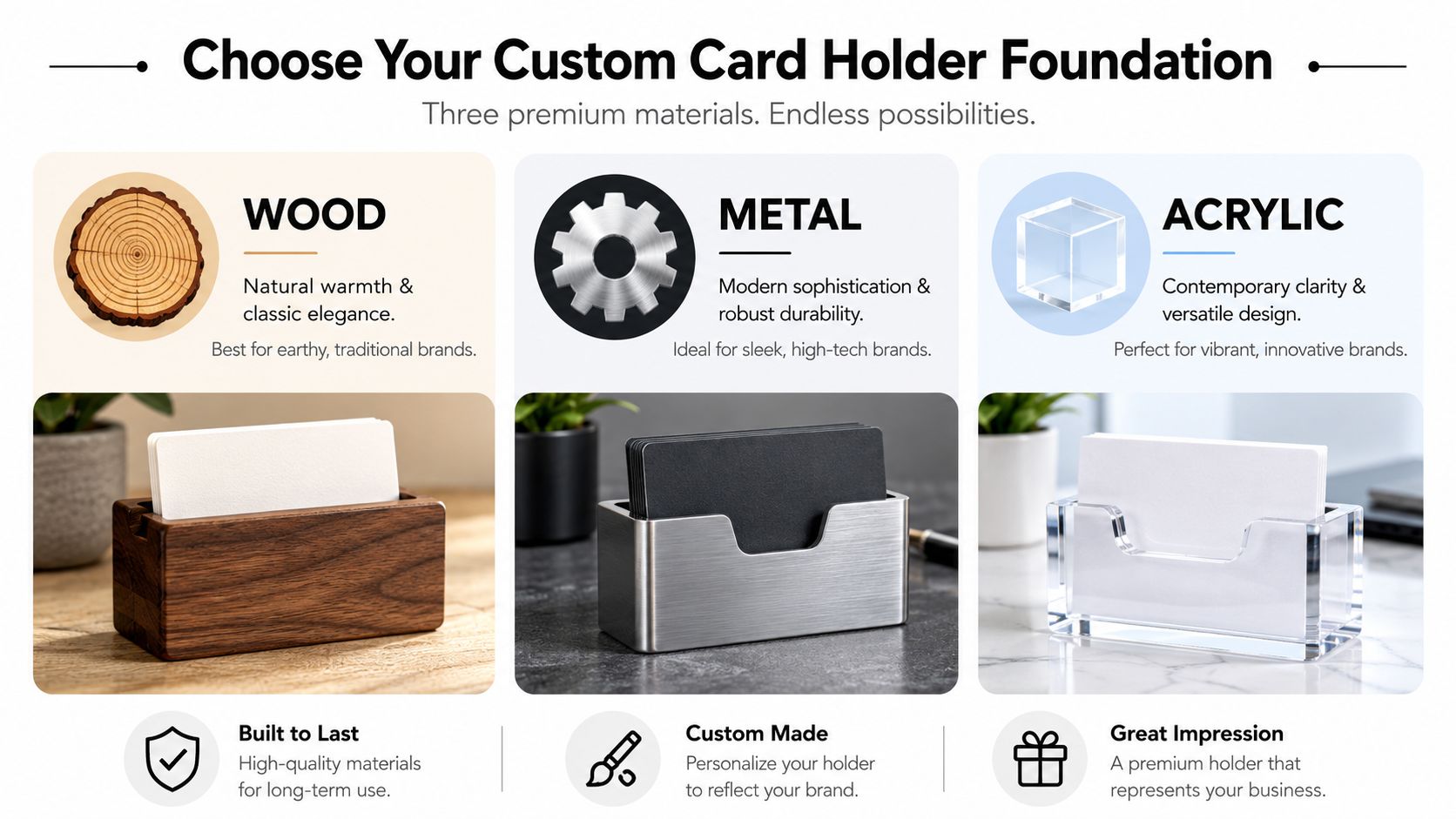
What each material says about your brand
Wood feels grounded. It works well for firms that want warmth, tradition, craftsmanship, or a less corporate tone. A wood holder can look polished without feeling cold, especially with a clean laser-engraved logo.
Metal leans more architectural. It fits brands that want precision, durability, and a sharper visual edge. It also tends to pair well with darker desks, modern office furniture, and minimalist branding.
Acrylic gives you a crisp, current look. It can disappear into the desk visually or act as a clean frame around your brand mark, depending on the finish and print treatment. It often works well when you want the cards themselves to remain the visual focus.
Here’s a practical comparison:
| Material | Brand Perception | Durability | Best For |
|---|---|---|---|
| Wood | Warm, established, handcrafted | Solid, but finish care matters | Law offices, boutiques, consultants, traditional brands |
| Metal | Sleek, premium, modern | Strong and long-lasting | Tech firms, finance teams, executive desks |
| Acrylic | Clean, contemporary, versatile | Good for normal desk use, but surface care matters | Creative studios, front desks, modern retail and service brands |
If you’re building a larger branded workspace, it helps to look at examples of premium custom office merch so you can keep your holder consistent with the rest of your desk accessories instead of designing it in isolation.
What to ask before you approve a holder
Looks matter, but specs matter too. Premium desktop holders commonly use acrylic, plastic, wood, or metal, and top-performing units are built around a 3.63″ x 4.3″ customizable design area for engraving or branding. Holders with 0.05″ design margins achieve 92% customer satisfaction rates, according to Displays2go’s business card stands and desktop holder specifications.
That gives you three smart questions to ask before ordering:
- How much usable branding space is available? A logo that looks balanced on screen can feel cramped on a small faceplate.
- What margin is being preserved around the design? Tight artwork near the edge often looks cheaper, even when the material itself is high quality.
- Will the finish support the artwork style? Fine line logos, small serif text, and light etching don’t perform equally on every surface.
Practical rule: Pick the material for the message first, then confirm the dimensions support the artwork you want.
What works best is alignment. A wood holder with a warm engraved mark, a brushed metal holder with restrained typography, or a clear acrylic piece with a crisp monochrome logo all make sense. What usually falls flat is mixing a formal brand with a playful shape, or a delicate logo with a surface that can’t render detail cleanly.
Designing for Brand Impact and Practicality
The best holder design does two jobs at once. It carries your branding, and it makes the cards easy to notice, take, and read. A lot of custom pieces get the first part right and the second part wrong.
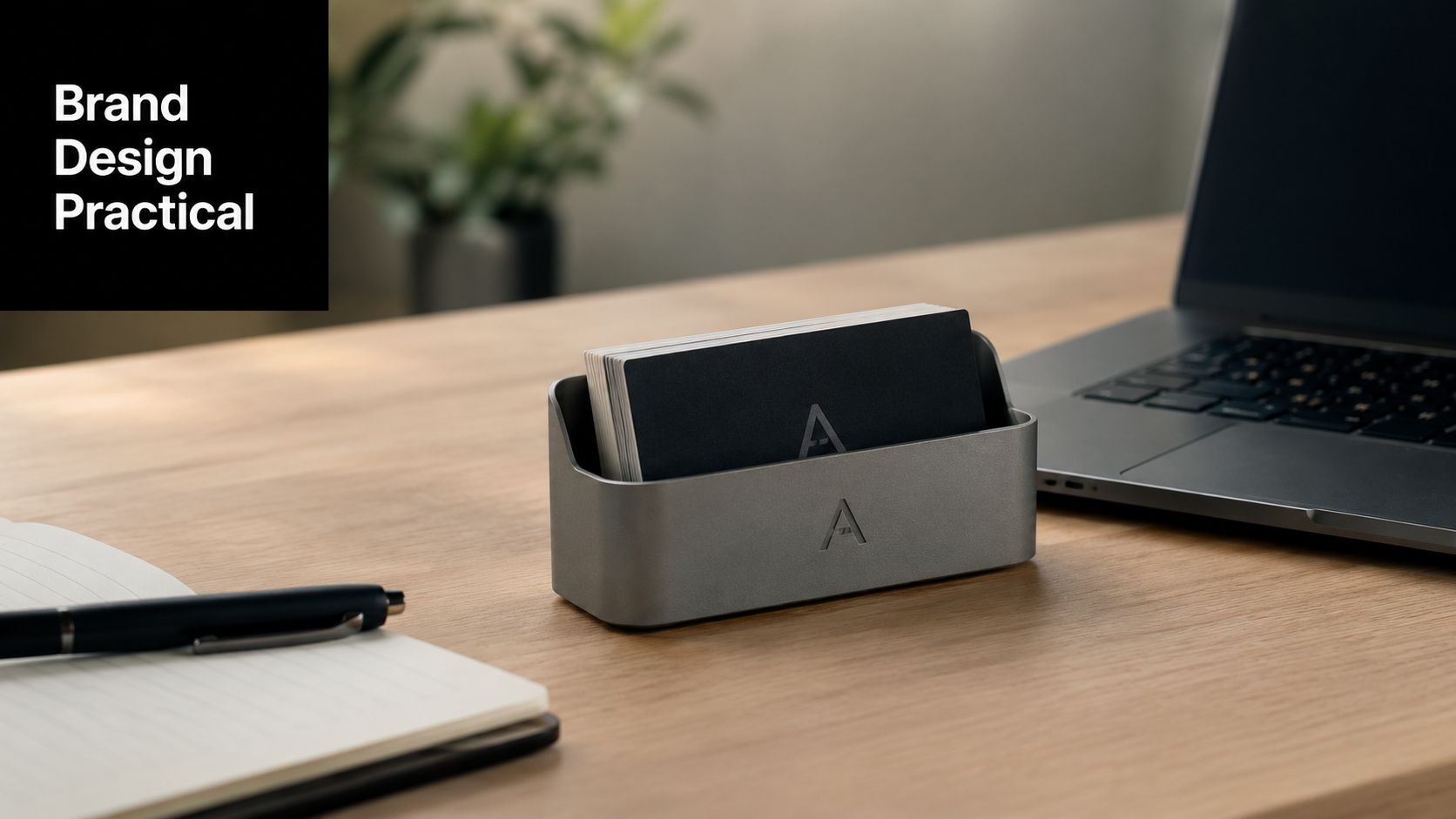
Keep the branding visible and readable
Start with restraint. Your logo doesn’t need to dominate the front panel. On a small object, oversized branding can make the whole piece feel crowded. Most desk holders look better when the logo sits centered or slightly offset with enough breathing room around it.
Typography matters just as much. Short business names, initials, and compact marks usually engrave well. Thin scripts and low-contrast details often don’t. If you’re pairing your holder with fresh cards, reviewing the holder design alongside your business card printing options helps you avoid mismatched fonts, competing finishes, or branding that feels split across two separate products.
A few design choices tend to work reliably:
- Use one focal element. Usually that’s your logo, monogram, or company name.
- Keep small text to a minimum. A title line may fit. A full tagline often doesn’t.
- Match the holder to your card design. If your card is bold and graphic, keep the holder quieter. If the card is minimal, the holder can carry more visual weight.
If a visitor has to lean in to decode the holder, the design is doing too much.
For inspiration, it sometimes helps to look beyond office accessories and study how other makers approach bespoke objects. The design thinking behind custom-order pieces for your home is useful here because the same principle applies: custom work should fit the person, the space, and the way the item will be used.
Build for fit, angle, and everyday use
Many holders fail. They look good until someone tries to grab a card, the stack sits too low, or non-standard cards catch inside the slot.
Business card size compliance is one of the most overlooked technical details. A 2024 report found that 28% of custom card holders reject non-standard cards due to uncalibrated slot dimensions, and that failure can be avoided by engineering with proper tolerances of ±0.5mm, as noted in AliExpress guidance on custom card holders and size compliance. If you work with international clients, specialty cards, or slightly heavier stock, this isn’t a minor issue.
The holder angle matters too. A card stack should face outward enough to be readable and inviting, but not so upright that the holder feels unstable or visually awkward. Practical ergonomic guidance often gets skipped in product descriptions, yet it affects whether people even notice the cards.
Use this short checklist before you approve a design:
- Check the slot width against your actual cards. Don’t rely on assumptions, especially if you print specialty sizes.
- Look at the stack height when loaded. A holder should still present the top card clearly when it’s partially full.
- Confirm desk placement. Reception counters, executive desks, and shared work tables all create different sightlines.
- Test logo visibility from a seated and standing position. A mark that looks balanced close-up may disappear from visitor distance.
What works is a holder built around use. What doesn’t is chasing appearance alone.
Personalization Through Precision Laser Engraving
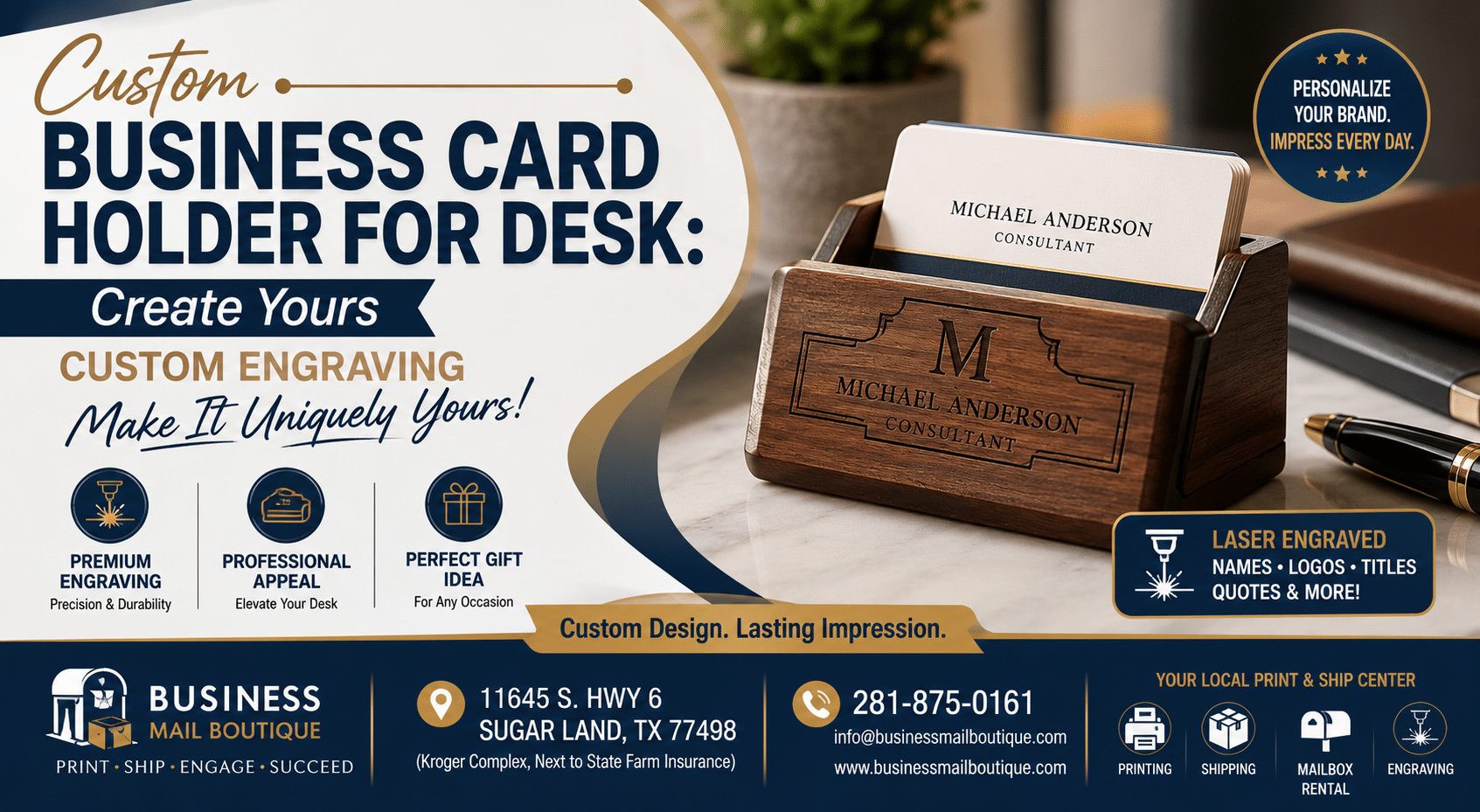
Laser engraving is what turns a plain object into a finished branded piece. Done well, it gives you crisp detail, clean edges, and a permanent design that feels intentional rather than decorative.
How the engraving process actually works
The process usually starts with a clean design file. The machine reads the artwork, maps the engraved area, and burns or marks the surface with controlled precision. On wood, that can produce a warm, slightly darkened mark. On coated metal, it often creates a sharp contrast. On acrylic, the result can range from frosted to subtle depending on the material and engraving direction.
That precision is why simple artwork often wins. A strong monogram, a compact logo, or a name-and-title layout tends to translate better than art with fine textures and tiny secondary lines.
If you’re comparing engraving approaches or want to see examples of how different personalized products are produced, local engraving services give useful context for what kinds of detail and materials work best in real-world applications.
Designs that translate well to finished pieces
Some concepts are naturally suited to laser work:
- A realtor’s clean icon and brokerage name on stained wood
- An attorney’s name and title on a metal face with restrained typography
- A designer’s minimalist symbol on clear acrylic
- A consultant’s initials on a compact front panel with no extra copy
Engraving looks premium when the design respects the material instead of fighting it.
What doesn’t translate well is clutter. Very small disclaimers, multiple logos, decorative borders, and dense taglines usually make the finished piece look busy. The strongest engraved holders feel calm. They have one idea, one visual hierarchy, and one clear use.
Your Same-Day Workflow at Business Mail Boutique
If you need a holder quickly, the process goes smoother when you walk in prepared. Same-day custom work is easiest when the design decisions are already narrowed down and the artwork is ready to use.
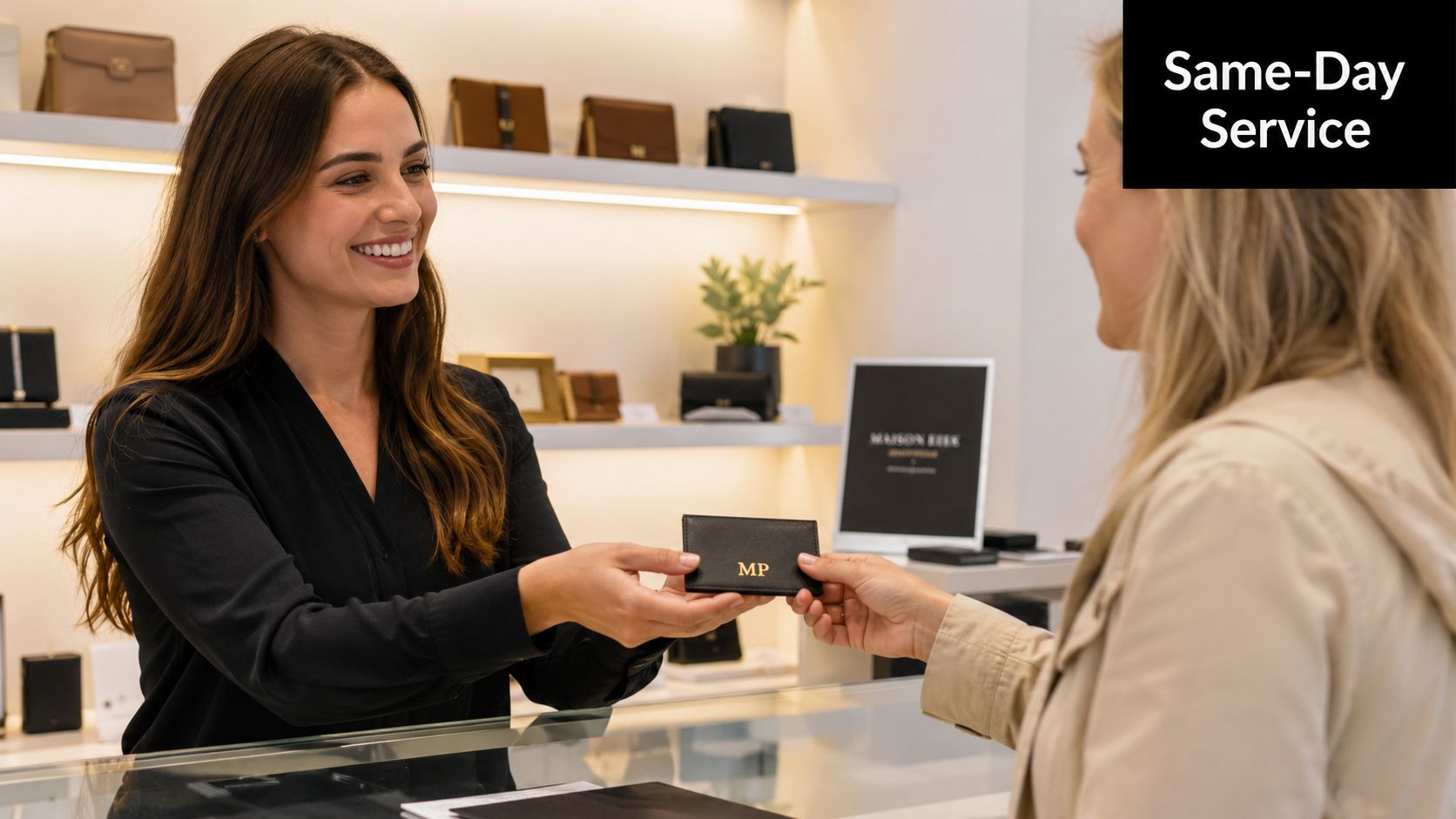
What to bring before you visit
Bring the actual information that will appear on the holder, not just the idea in your head. That includes your logo file, preferred wording, and a sense of the material you’re leaning toward.
A practical pre-visit checklist looks like this:
- Logo file: Vector art is usually best if you have it. If not, bring the cleanest version available.
- Exact text: Company name, personal name, title, or short line you want engraved.
- Card sample: Bring one of your business cards so fit and visual consistency can be checked in person.
- Style preference: Know whether you want wood, metal, or acrylic, even if you’re open to guidance.
- Desk context: A quick photo of your desk or reception area helps with finish and scale decisions.
If you skip those basics, the conversation usually slows down. Not because the project is hard, but because custom pieces depend on specifics.
What happens in the store
The strongest same-day workflow is simple. You bring the artwork, confirm the layout, review the material, and approve the final placement before production starts. If the logo needs minor cleanup or the text needs spacing adjustments, those are the kinds of practical refinements that make the final piece look finished instead of rushed.
Expect a few grounded questions during the process:
- Where will this holder sit? Front desk, private office, shared workspace, or event table.
- How formal should it feel? Traditional, modern, minimal, or more expressive.
- Will it hold standard business cards only? This matters for fit and slot design.
- Do you want the holder to match existing desk items? Pens, signage, notebooks, and card design can influence the best choice.
Show the actual card before production starts. That one step prevents a lot of avoidable fit and proportion issues.
What helps most is decisiveness. If you know the message, material family, and overall look you want, the production side becomes much easier. What slows things down is changing the logo version, the wording, and the material all at once after the layout has already been built.
Understanding Costs and Ensuring Longevity
Price usually comes down to three things. Material, engraving complexity, and holder size are the main drivers. A straightforward design on a standard holder is simpler to produce than a larger piece with more detailed artwork or a specialty finish.
Longevity depends on matching care to the material. Acrylic should be wiped with a soft cloth so the surface stays clear and free of fine scratches. Wood benefits from dry, gentle cleaning and should be kept away from excess moisture. Metal holders hold up well, but fingerprints and smudges show more on some finishes than others, so regular light wiping helps.
A smart custom business card holder for desk use should last because it’s made for daily handling, not occasional display. The best value usually isn’t the cheapest option. It’s the one that still looks right on your desk months from now.
If you want a custom business card holder for desk use and you’d rather leave with a finished, professional piece than keep researching options online, Business Mail Boutique LLC is a practical local stop in Sugar Land. They handle same-day printing, engraving, and office personalization services, so you can bring your logo, review the design, and get help turning a rough idea into something polished and ready to use.

Related posts

Custom Memorial Glasses Engraved in Three Hours in Sugar Land
When a customer needed eight personalized glasses for a memorial, Business Mail Boutique completed the engraving or...

Custom Martini Glass Engraving in Sugar Land, TX
Custom Logo Engraving on Martini Glasses in Sugar Land, Texas.
Business Mail Boutique recently completed a beautiful custom engravin...

Custom Engraved Wine Glasses for a Golf Club Event in Sugar Land, TX
Custom Engraved Wine Glasses for a Golf Club Event in Sugar Land.
Custom wine glass engraving in Sugar Land, TX at Business Mail Bouti...