
- Print Business Cards in Sugar Land – Same Day Service
- Copying Services
- Document Printing, Finishing & Lamination in Sugar Land
- Flyers
- Print Banner in Sugar Land | Same-Day Banner Printing Near Me
- Graphic Design
- Photo Printing
- Postcard Printing
- Document Printing
- EDDM Full Service Postcards
- FotoZoomer Large Format Printing


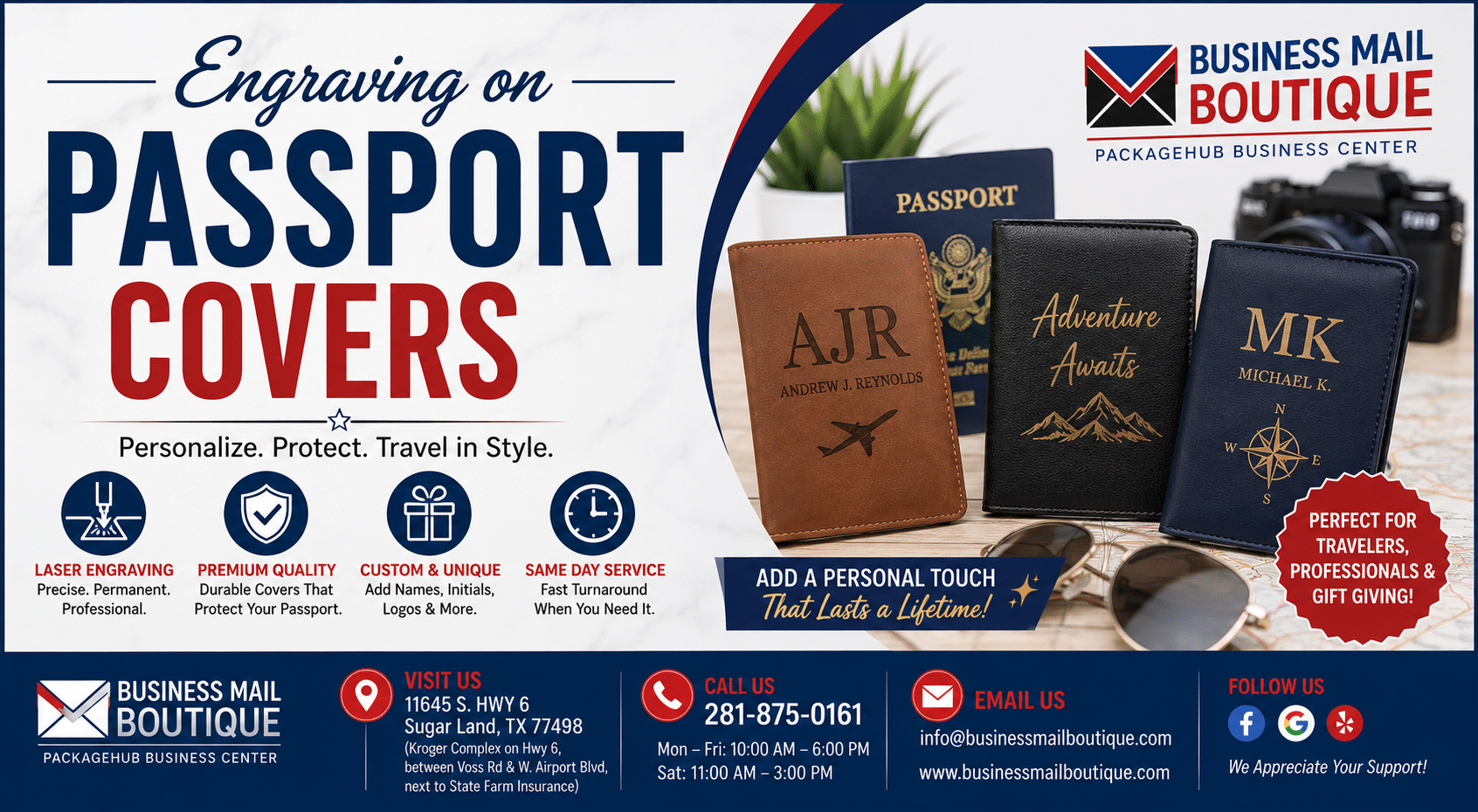
Engraving on Passport Covers
Businessmailboutique
11645 S. Hwy 6
Sugar land, Texas 77498 United States (US)
Email: info@businessmailboutique.com
Route
You’re probably in one of two spots right now. You found a passport cover you like and want to make it personal, or you’re shopping for a gift that feels more thoughtful than another generic travel accessory. Engraving on passport covers is a solid choice because it’s practical, personal, and easy to tailor to the person who’ll carry it.
What most DIY guides skip is the part that matters once the novelty wears off. Some materials engrave beautifully. Others scorch, blur, or age poorly. Some cover styles look great on a desk but become annoying at border control. And a personalized cover can still leave a security gap if you assume it does more than it actually does.
Table of Contents
- Your Guide to Personalized Passport Covers
- Is Engraving a Passport Cover Legal
- Choosing the Best Material for Engraving
- Preparing Your Design for a Perfect Engraving
- How and Where to Get Your Cover Engraved
- Practical Tips for Your Engraved Passport Cover
Your Guide to Personalized Passport Covers
A personalized passport cover works because it sits in the sweet spot between style and utility. It protects the passport, helps you spot it quickly in a bag, and turns a plain travel item into something that feels like yours. For gifts, it lands well because it’s useful without feeling generic.
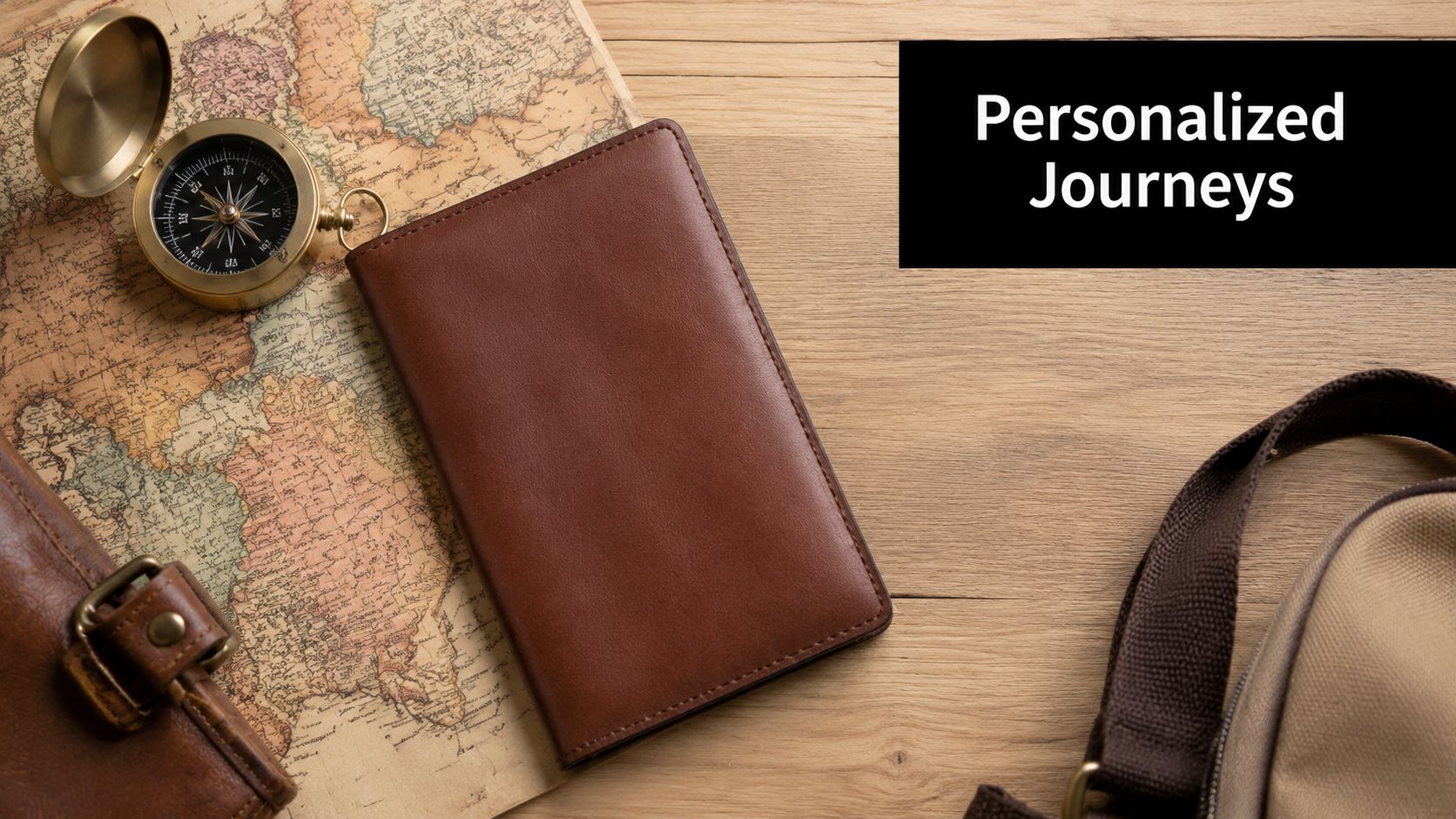
The good version of engraving on passport covers looks intentional. Clean initials. A short name. A small logo. Maybe a date or a travel phrase that means something to the owner. The bad version usually comes from poor material choice, artwork that’s too fussy, or a seller who treats every surface the same.
That’s why it helps to think about the cover the same way you’d think about any item meant for personalization. Material comes first. Design comes second. Production method comes third. If you’ve ever compared travel gear with other customized everyday items, the same logic applies. For example, people who design your own water bottle quickly learn that surface, finish, and print method affect the final result just as much as the artwork itself.
Practical rule: Pick the cover first, then build the design around what that material can do well.
A passport cover also has a job beyond looking good. It gets handled, bent, packed, unpacked, and shown to strangers at checkpoints. So the best engraved cover isn’t the one with the most elaborate artwork. It’s the one that still looks sharp after repeated use and doesn’t create friction when you travel.
Is Engraving a Passport Cover Legal
Yes, engraving a separate removable passport cover is generally a different matter from altering the passport itself. That distinction is the part many people miss.
The passport book issued by a government isn’t just a booklet with a pretty exterior. Official passports include advanced security design. The U.S. Department of State notes that official passports feature custom artwork and enhanced images on the front, back, and inside covers, and that the personal data page in modern passports is made of polycarbonate and personalized using laser engraving so the data is tamper-proof, as shown on the U.S. passport security design page.
The line you shouldn’t cross
Don’t engrave, stamp, cut, punch, glue onto, or otherwise modify the actual passport book. That includes the official cover and any page inside it. Those elements are part of the document’s security structure, not spare surface area for decoration.
A removable holder is different because it’s an accessory. Think of it as a jacket for the passport, not part of the passport itself. You can take it off, replace it, or travel without it.
The safe rule is simple. Personalize the accessory, never the government document.
That matters in practice because some people buy slim leather sleeves that fit so tightly they almost behave like a permanent skin. That’s not ideal. You want a cover that can be removed quickly and cleanly, without tugging at the passport’s own cover.
What travelers usually worry about
Individuals asking the legal question are really worried about hassle. They don’t want to personalize something, arrive at an airport, and find out it causes trouble. Fair concern. The easiest way to stay on solid ground is to keep the customization limited to an external holder and make sure the passport itself remains untouched.
If you’re also handling travel documents, renewals, or time-sensitive applications, local support can help on the paperwork side as much as on the accessory side. For readers near Sugar Land, Swift Passport and Visa Services is one example of a service page worth reviewing when you need passport-related help beyond personalization.
Choosing the Best Material for Engraving
If the material is wrong, the engraving won’t save it. Most disappointing passport covers stem from this.
The strongest performers for engraving on passport covers are full-grain leather and PU or leatherette. According to the cited material guidance, full-grain leather is optimal because of its density, while PU and leatherette also engrave well and require lower laser settings such as 40mm/s speed to avoid melting. Under controlled conditions, these materials can achieve a ~95% success rate for crisp, consistent engraving, based on the material testing details here.
What full-grain leather does best
Full-grain leather usually gives the richest, most premium result. The engraving tends to look subtle rather than loud. That’s great for initials, names, monograms, and understated logos.
It also tends to age better visually. Small marks and wear often blend into the leather instead of fighting against it. If someone wants a classic travel look, this is usually the right lane.
There is a catch. Leather is natural, and natural materials vary. Grain, finish, dye depth, and coating can change how dark or sharp the engraving appears. A pro shop will usually test a hidden area or a sample piece before running the final job.
Where PU and leatherette make more sense
PU and leatherette are often the easier path when you need consistency. If you want clean block text, a tidy logo, or repeatable branded covers for a team, these materials can be excellent.
They do need more careful settings. Too much heat and the surface can melt or distort instead of marking cleanly. That’s one reason DIY attempts often fail on synthetic covers. The machine may be capable, but the settings and hold-down setup matter just as much.
For readers looking at personalization on other leather goods, the same production logic applies to pouches, handbags, and similar accessories. This page on engraving a leather pouch, purse, or shoulder bag is a useful comparison point because surface finish and handling issues overlap heavily with passport covers.
Passport Cover Material Comparison for Engraving
| Material | Engraving Look | Durability | Cost |
|---|---|---|---|
| Full-grain leather | Rich, subtle, classic | Strong for long-term use | Premium |
| PU leather | Clean, even, modern | Good with normal use | Moderate |
| Leatherette | Consistent and crisp | Good for everyday handling | Budget-friendly |
| Fabric blends or unstable synthetics | Often less predictable | Varies widely | Varies |
If you want the safest balance of appearance and reliability, choose full-grain leather for a premium feel or PU/leatherette for cleaner consistency.
A final practical point. Not every attractive passport cover is engravable. Some have heavy top coatings, padded layers, unstable laminates, or stitched structures that make alignment difficult. Ask what the outer layer is before you buy.
Preparing Your Design for a Perfect Engraving
A machine can only engrave what you give it. Most quality problems start in the artwork, not at the laser.
Keep the artwork simple enough to engrave cleanly
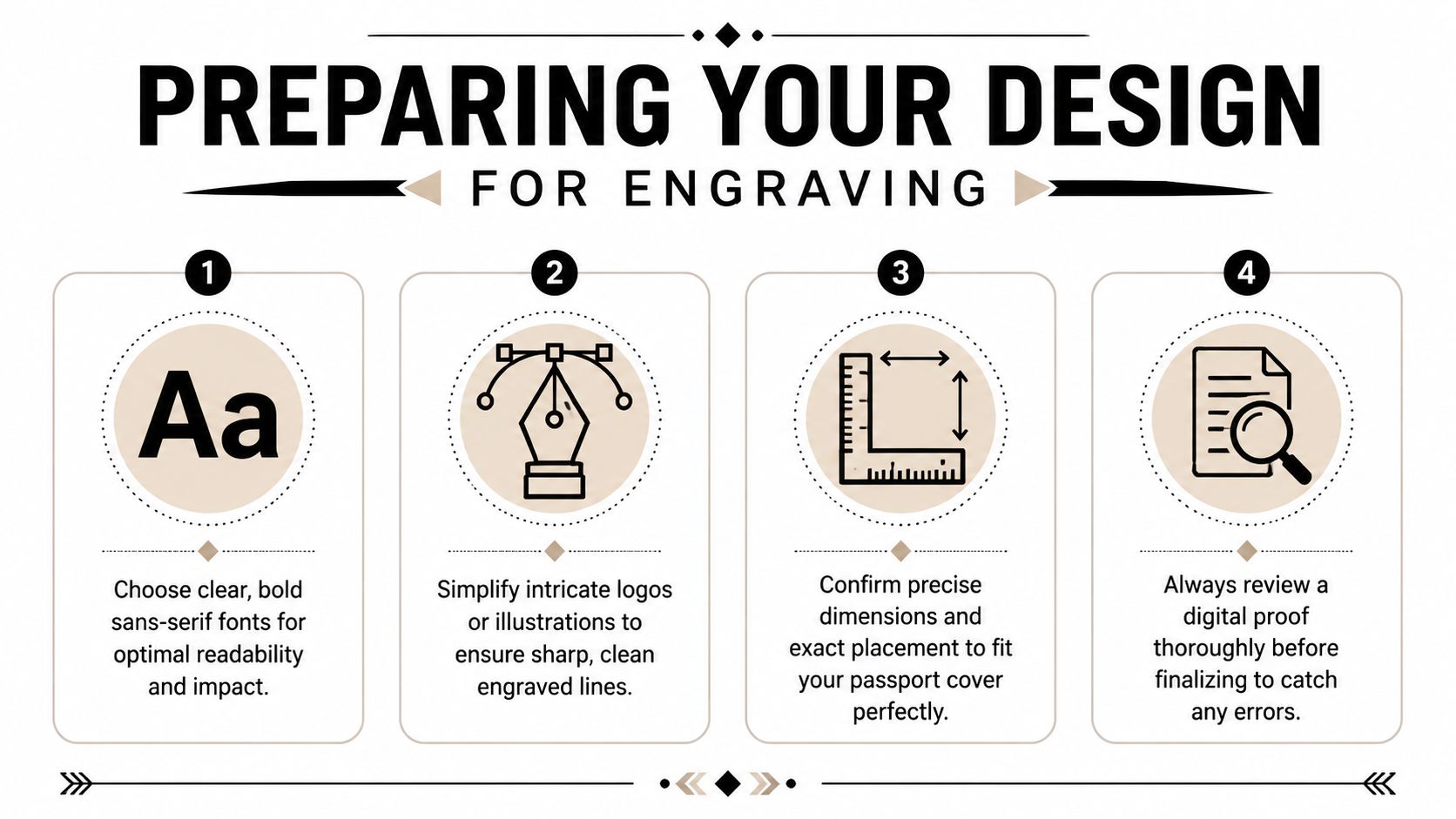
The best passport cover designs are usually compact and readable. Initials, a short name, a clean monogram, a small icon, or a simplified company mark all tend to work better than dense artwork with fine detail.
For text, choose fonts with enough body to survive the engraving process. Thin script fonts often look elegant on screen and disappointing on the finished cover. Letterforms that are too delicate can lose clarity, especially on textured leather. Clean sans-serif and sturdy serif fonts usually hold up better.
A few design rules prevent most problems:
- Use short text: A name, initials, or a brief phrase is easier to center, size, and read.
- Avoid tiny detail: Hairline strokes, miniature flourishes, and packed-in ornament usually don’t improve after engraving.
- Provide vector files when possible: SVG, AI, or EPS artwork gives the engraver cleaner paths than a small raster image.
- Simplify logos first: Remove gradients, shadows, and very fine internal detail before production.
Placement matters more than most people expect
A passport cover is small, and its useful engraving area is smaller than many customers assume. Stitching, rounded corners, interior folds, snap closures, and card slots can all limit where the artwork should go.
Bottom-right personalization is a classic option because it feels balanced and doesn’t dominate the cover. Centered designs can work well on plain covers with a clean face. Oversized art is where things usually go sideways. It can run too close to stitching, sit unevenly, or fight with the shape of the item.
Always ask for a digital proof that shows scale and position on the actual cover dimensions, not just the artwork floating on a blank page.
Proofing matters for another reason. Names and initials are often emotionally important, and small mistakes become permanent. Double-check spelling, capitalization, and orientation. If it’s a gift, verify whether the recipient prefers full name, first initial plus last initial, or a three-letter monogram style. Those conventions still trip people up.
If you’re supplying your own cover, tell the engraver whether the item is genuine leather, PU, leatherette, or something else. Good artwork can still fail if the production settings were chosen for the wrong material.
How and Where to Get Your Cover Engraved
The method that gives the cleanest, most reliable result on most passport covers is laser engraving.
Why laser is the right method for most covers
Professional laser engraving uses a focused beam to decompose a material’s surface and create a mark without ink. In official document production, the process follows a precise line-by-line pattern to render images and text, as explained in this laser engraving process video reference. On passport covers, the same core idea is applied on a smaller, accessory-level scale.
That matters because laser work is controlled. It can place initials cleanly, maintain spacing, and handle repeat jobs more consistently than rougher manual methods. For personal accessories, that usually means sharper results and fewer ugly surprises.
Local providers often have the advantage here. You can bring the actual cover in, confirm the material, look at sample work, and talk through placement face to face. That’s especially useful if the cover wasn’t bought from the same shop doing the engraving.
If you’re comparing customization categories, it can help to look at how serious production shops handle other detailed items. The workflow used in OEM custom engraved jewelry is a good reminder that durable personalization depends on material-specific setup, not just owning a machine.
What to ask before handing over your cover
Before you approve the job, ask a few direct questions:
- Can you engrave this exact material: Not every shop handles every synthetic or coated surface well.
- Do you have samples on similar covers: A plaque sample doesn’t tell you much about leatherette.
- Will you provide a placement proof: This catches sizing and alignment issues before they become permanent.
- Do I need to remove inserts or packaging: Some covers have liners or stiffeners that affect how the item sits under the machine.
A quick look at the machine process also helps. Here’s a general example of laser engraving in action:
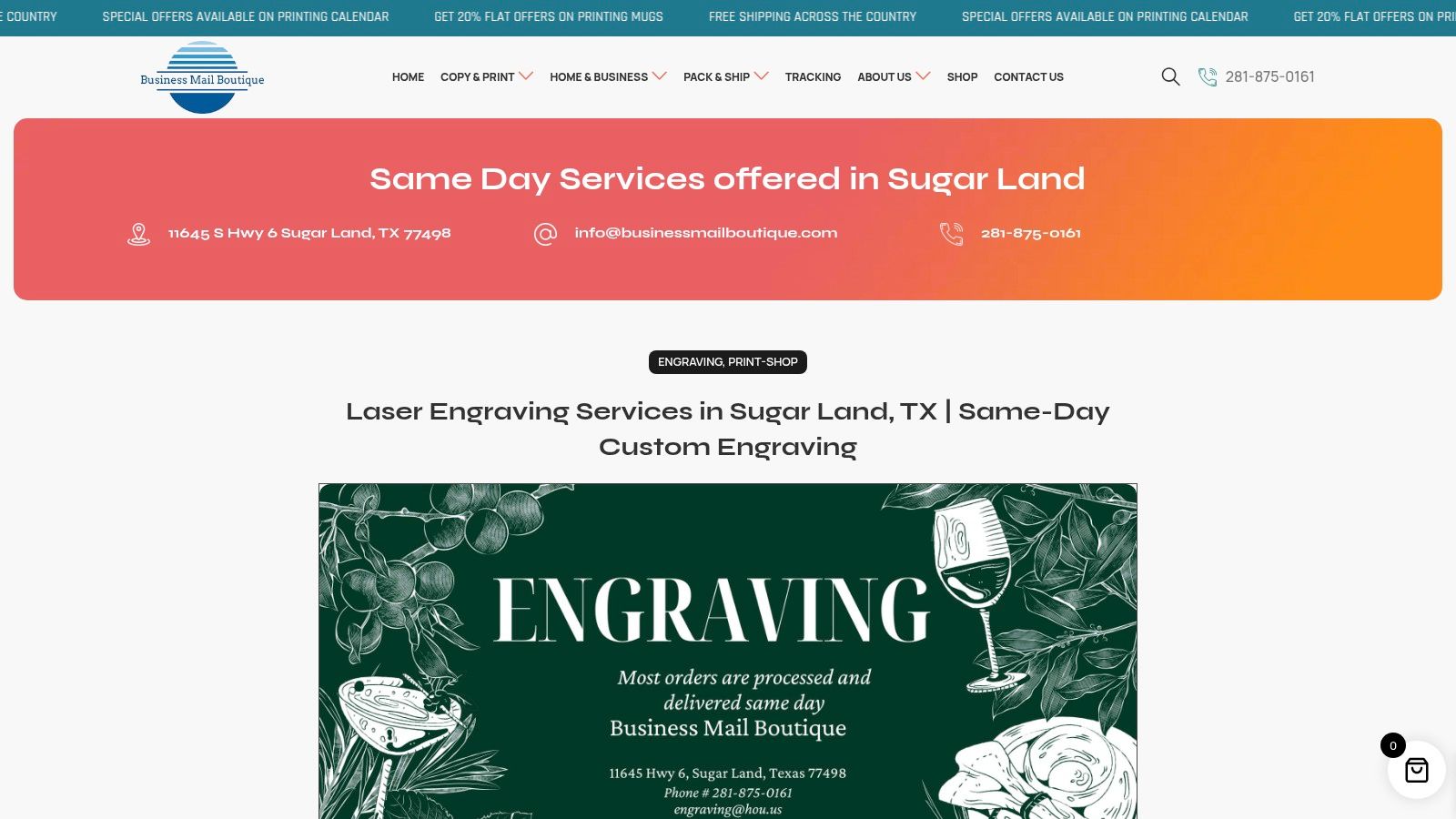
For readers looking for a local engraving service page in Sugar Land, this engraving service overview is the kind of page that helps you confirm what types of items and personalization options a provider offers.
One practical shop-floor note. The cheapest online option isn’t always the cheapest outcome. If the seller burns the surface, shifts the artwork, or engraves the wrong initials, you’ve lost the cover, the time, and the gift.
Practical Tips for Your Engraved Passport Cover
A finished cover still needs to work in real travel conditions. In such situations, polished advice beats pretty product photos.
Use it smoothly at the airport
Travelers often ask whether they must remove the passport cover at border control. Policies vary, but agents have full authority to remove the cover to verify authenticity, based on the traveler discussion summarized in this border control passport cover thread.
So the practical move is simple. Remove the passport from the cover before you hand it over. It’s faster, cleaner, and avoids an agent peeling it off roughly while other people wait behind you.
Bring the cover for protection and organization, but present the passport itself when inspection starts.
Care and security in real travel use
Leather covers benefit from light routine care. Keep them dry, wipe them down when they pick up grime, and use an appropriate conditioner now and then if the leather starts to feel dry. Don’t overdo products. Residue can darken the surface or change how the engraved area looks.
The bigger issue most personalized-cover guides ignore is RFID security. A leather or PU cover can look great and still offer no RFID protection. If that matters to you, use an RFID-blocking sleeve inside or alongside the engraved cover. That way you keep the personalized look without assuming the cover is doing a job it wasn’t built to do.
A strong final checklist looks like this:
- Before travel: Check that the passport slides in and out easily.
- At inspection: Remove it from the cover before handing it over.
- For daily protection: Use the cover to reduce scuffs and wear from bags and pockets.
- For digital caution: Add an RFID-blocking sleeve if you want that layer of protection.
If you want a personalized travel accessory that looks clean and feels professionally finished, Business Mail Boutique LLC is a practical local option in Sugar Land for engraving and other custom services. They also handle practical extras people often need at the same time, including passport photos, printing, shipping, and business support, which makes the process easier when you want everything done in one stop.

Related posts

Custom Memorial Glasses Engraved in Three Hours in Sugar Land
When a customer needed eight personalized glasses for a memorial, Business Mail Boutique completed the engraving or...

Custom Martini Glass Engraving in Sugar Land, TX
Custom Logo Engraving on Martini Glasses in Sugar Land, Texas.
Business Mail Boutique recently completed a beautiful custom engravin...

Custom Engraved Wine Glasses for a Golf Club Event in Sugar Land, TX
Custom Engraved Wine Glasses for a Golf Club Event in Sugar Land.
Custom wine glass engraving in Sugar Land, TX at Business Mail Bouti...